
Effective voice acting in education and e-learning helps your content become clear, engaging, and accessible. By using varied intonation, emphasizing key points, and maintaining good pacing, you keep learners focused and help them absorb complex information. Your tone should be warm and authentic to build trust and motivate your audience. Incorporating sensory elements can enhance focus and create a calm learning environment. Keep listening, and you’ll discover more ways to make your voice work harder for your learners.
Key Takeaways
- Clear and articulate speech enhances comprehension and retention in educational and e-learning content.
- Varied tone and intonation maintain learner engagement and make complex topics more accessible.
- Strategic pacing, including pauses and speed variations, helps learners process information effectively.
- Authentic, enthusiastic delivery fosters trust and motivates learners to stay engaged.
- Sensory elements and a calming environment support focus and improve overall learning experiences.
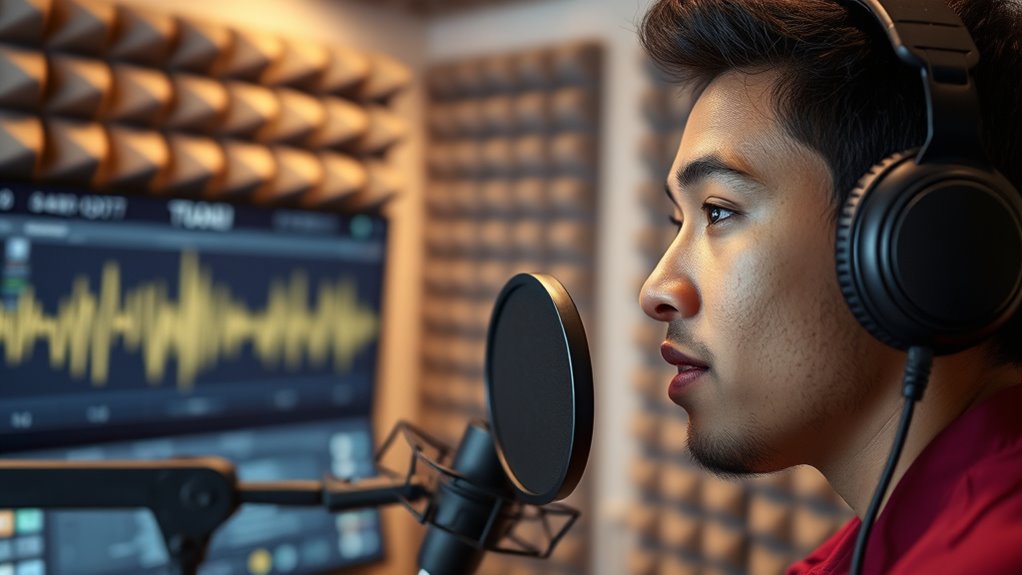
Voice acting plays a essential role in making educational content engaging and accessible. When you’re designing or delivering e‑learning modules, your voice becomes a powerful tool to capture attention and facilitate understanding. One of the most important aspects is speech clarity. You want your words to be easily understood, so learners don’t have to strain to decipher what you’re saying. Clear pronunciation, appropriate pacing, and controlled breath support help guarantee your message comes across without ambiguity. If your speech is muddled or rushed, learners may become frustrated or lose focus, which defeats the purpose of your content. Practicing enunciation and maintaining a steady rhythm can greatly enhance how well your audience absorbs information.
Clear speech and steady rhythm are essential for engaging, understandable educational content.
Beyond speech clarity, engagement techniques are essential to keep learners motivated and attentive. Using varied intonation, emphasizing key points, and incorporating pauses for emphasis can make your narration more dynamic and less monotonous. When you vary your pitch and volume, you help highlight important concepts and create a more lively, human connection with your audience. Pausing strategically gives learners time to process critical information, preventing overload and encouraging reflection. Additionally, incorporating storytelling elements or relatable examples through your voice can make abstract or complex topics more tangible. These engagement techniques transform passive listening into an active learning experience.
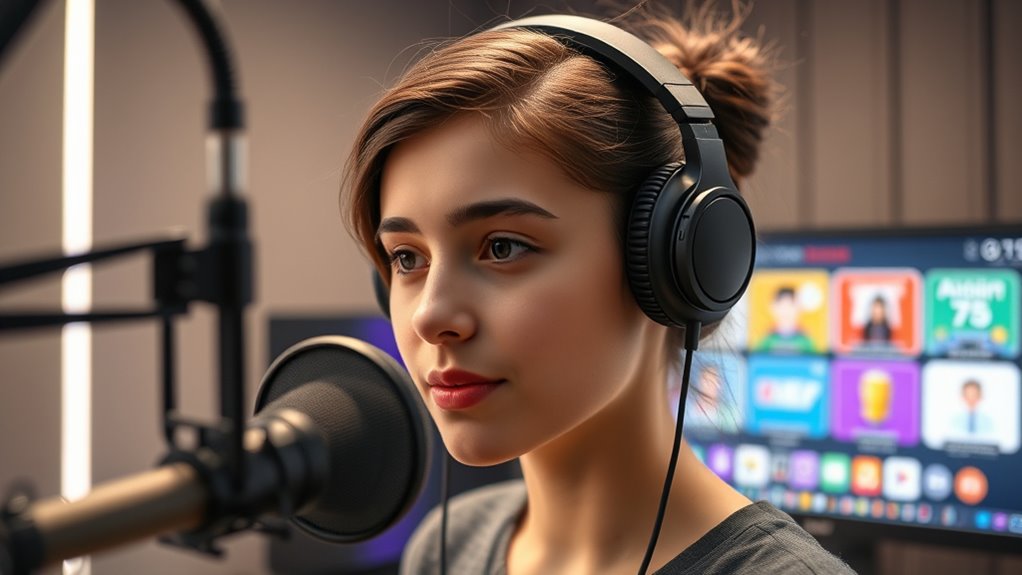
Your tone and enthusiasm also influence how well learners stay engaged. A warm, friendly voice can foster a sense of trust and openness, encouraging learners to stay attentive. Conversely, a monotonous delivery risks losing their interest altogether. You should aim to sound genuinely interested in the material and in your audience’s success. Using conversational language and natural speech patterns can make your narration feel more approachable and less robotic. This authenticity helps learners feel connected and motivated to continue exploring the content. Incorporating essential oils or other sensory elements can also subtly enhance the atmosphere and focus during your recordings, creating a more calming environment for both speaker and listener.
Furthermore, pacing is key. Moving too quickly can leave learners behind, while speaking too slowly might cause boredom. You need to find a balance that allows learners to absorb information without feeling rushed. Incorporating brief pauses or changing your speed at key moments can help manage this. Remember, your voice isn’t just about what you say but how you say it. Effective use of speech clarity and engagement techniques makes your educational content more compelling, memorable, and easier to understand. When you master these elements, your voice becomes an invaluable tool in guiding learners through complex topics, guaranteeing they stay engaged from start to finish.

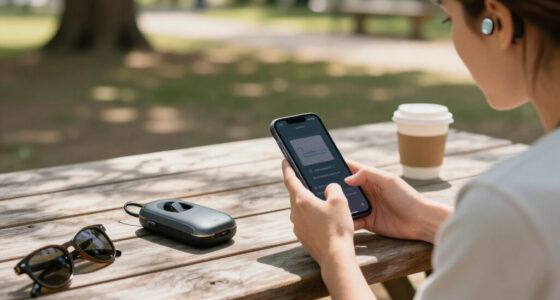
MAONO PD200W Hybrid Wireless Podcast Microphone for PC, Dynamic XLR USB Mic
- Wireless, USB, XLR Connectivity: Three broadcast audio options
- Studio-Quality Vocal Reproduction: Premium 30mm dynamic capsule with cardioid pattern
- High Signal-to-Noise Ratio: 82dB for clear audio
As an affiliate, we earn on qualifying purchases.
As an affiliate, we earn on qualifying purchases.
Frequently Asked Questions
How Does Voice Acting Improve Student Engagement?
You’ll find that audio narration with skilled voice acting makes lessons more engaging by capturing your attention and conveying emotion effectively. The emotional tone used by voice actors helps you connect with the material on a deeper level, making the content more memorable. This active delivery keeps you interested and motivated, transforming passive learning into an immersive experience that encourages participation and enhances understanding.
What Are the Best Practices for Selecting Voice Actors?
When selecting voice actors, you should conduct a thorough voice actor audition to assess their tone, clarity, and emotional range. Use casting criteria like vocal versatility, experience, and ability to connect with your audience. Trust your instincts and listen for authentic delivery that matches your project’s tone. By carefully evaluating auditions, you make certain you choose the right voice actor who can effectively engage your learners.
How Can Voice Acting Accommodate Learners With Disabilities?
To accommodate learners with disabilities, you can incorporate sign language integration and captioning enhancement in your voice acting. Use clear, expressive voices paired with accurate captions, ensuring content is accessible for all. Consider including sign language interpreters or visual cues alongside audio. By doing so, you create an inclusive environment that supports diverse learning needs, making your educational content more engaging and easier to understand for everyone.
What Technological Tools Support Voice Acting in E-Learning?
You can support voice acting in e-learning with tools like audio editing software, which helps you refine recordings for clarity and quality. Scripting techniques also play a vital role, enabling you to create engaging, natural dialogue that resonates with learners. These technological tools streamline the production process, ensuring your voice acting is professional and effective, ultimately enhancing the overall learning experience.
How Is Voice Acting’s Effectiveness Measured in Education?
Think of measuring voice acting’s effectiveness as tuning a fine instrument. You evaluate audience understanding by observing engagement levels and feedback, while content retention is gauged through assessments or quizzes. If students grasp concepts better and remember key points longer, your voice acting hits the right notes. Ultimately, tracking improvements in learning outcomes and student interactions helps you determine if your voice work truly enhances the educational experience.

Portable Recording Booth for Home Studio, Soundproof Vocal Booth with Travel Bag for Voiceovers, Podcasts, Streaming and Music Recording
- Superior Sound Isolation: Absorbs up to 90% of noise
- Spacious & Stable Design: Fits creators up to 6.4 ft tall
- Quick Setup: Unfolds in 60 seconds
As an affiliate, we earn on qualifying purchases.
As an affiliate, we earn on qualifying purchases.
Conclusion
Incorporating voice acting into education and e-learning transforms the learning experience, making it more engaging and memorable. Did you know that students retain 65% more information when lessons include expressive voiceovers? Imagine the impact of bringing lessons to life with lively voices that capture attention and evoke emotion. By embracing voice acting, you can create immersive educational content that not only teaches but also inspires your learners to stay curious and motivated.
![WavePad Audio Editing Software - Professional Audio and Music Editor for Anyone [Download]](https://m.media-amazon.com/images/I/B1fcLEGCs6S._SL500_.png)
WavePad Audio Editing Software – Professional Audio and Music Editor for Anyone [Download]
- Professional Audio Editor: Record and edit music, voice, and audio
- Audio Effects: Add echo, noise reduction, reverb, and more
- Supports Multiple Formats: WAV, MP3, FLAC, OGG, and others
As an affiliate, we earn on qualifying purchases.
As an affiliate, we earn on qualifying purchases.

Aokeo Professional Microphone Pop Filter Mask Shield For Blue Yeti and Any Other Microphone,Mic Dual Layered Wind Pop Screen With Flexible 360° Gooseneck Clip Stabilizing Arm
- Double Layered Pop Filter: Reduces air blasts for clear recordings
- Universal Compatibility: Fits various microphone stands and booms
- Flexible Gooseneck: Adjusts angle and distance easily
As an affiliate, we earn on qualifying purchases.
As an affiliate, we earn on qualifying purchases.