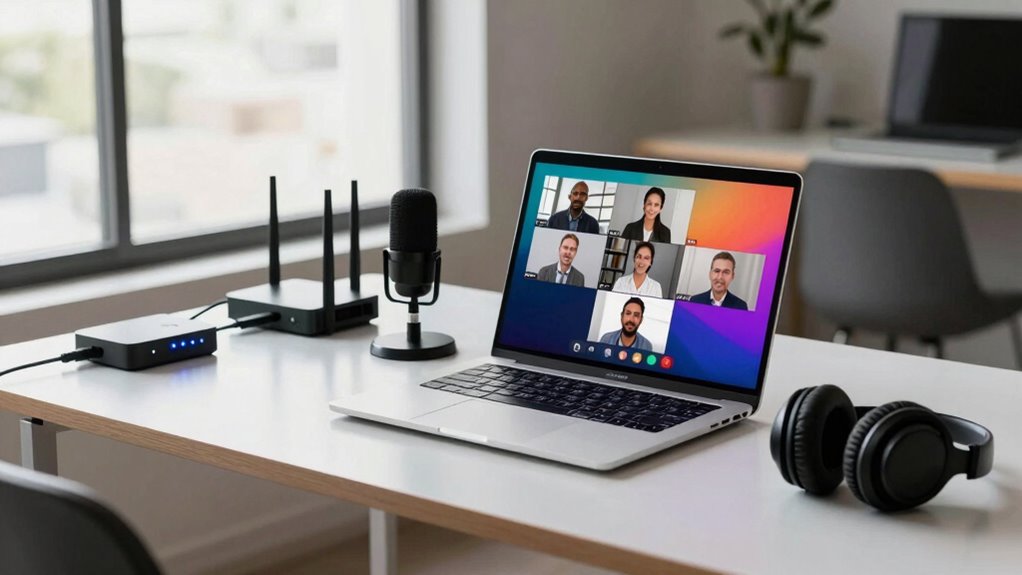

For smooth remote directed sessions, your internet setup needs stability, speed, and security. Use a wired connection when possible, as it’s more reliable than Wi-Fi. Prioritize your session traffic with QoS settings and close unnecessary applications to free bandwidth. Keep your equipment updated and secure with strong passwords and regular firmware updates. Consistent testing and choosing a dependable provider help avoid disruptions. Keep these essentials in mind, and you’ll be ready for seamless remote interactions every time.
Key Takeaways
- A stable, high-speed internet connection to ensure smooth video, audio, and data transmission.
- Prioritized bandwidth for remote sessions via QoS settings to reduce lag and interruptions.
- Reliable network equipment with regular updates to prevent disconnections and security vulnerabilities.
- Wired Ethernet connections when possible for consistent and low-latency connectivity.
- Strong network security measures to protect data and prevent unauthorized access during sessions.
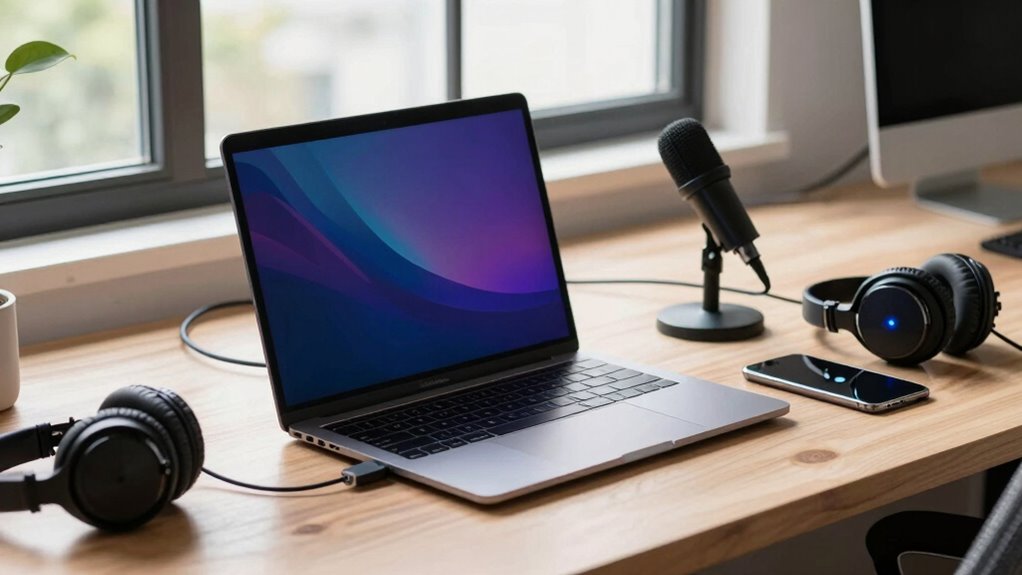
Are you ready to set up remote sessions for your internet connection? If so, understanding what your setup needs is vital for smooth, uninterrupted communication. Remote directed sessions rely heavily on your internet’s quality, especially when it comes to maintaining network stability and optimizing bandwidth. These elements are the backbone of a successful remote connection, guaranteeing that your interactions are clear, responsive, and reliable.
Ensuring a stable, high-quality internet connection is key to smooth, reliable remote sessions and clear communication.
To start, prioritize a stable internet connection. Network stability means fewer drops, lag, or interruptions during your remote sessions. Stability depends on both your connection type and your network’s overall health. Wired connections, like Ethernet, typically provide more consistent stability compared to Wi-Fi, which can be affected by interference or distance from your router. If you’re using Wi-Fi, position your device close to the router and minimize obstacles like walls or electronic interference. Investing in a high-quality router can also boost your network stability by providing a stronger, more consistent signal across your space. Additionally, keeping your network equipment updated and secure is essential to prevent disruptions caused by vulnerabilities or outdated hardware. Regularly testing your connection can help identify issues early and maintain optimal performance. Incorporating network security practices can also prevent unauthorized access that might affect your connection quality. Ensuring your network is free from congestion and interference is also critical, especially when multiple devices are connected.
Next, focus on bandwidth optimization. Bandwidth is the amount of data your connection can handle at any given moment, and during remote sessions, it directly impacts video quality, audio clarity, and overall responsiveness. To optimize bandwidth, close any unnecessary applications or background processes that might be consuming bandwidth, such as streaming services, downloads, or large updates. Prioritize your remote session traffic by configuring Quality of Service (QoS) settings on your router, which allocates more bandwidth to critical applications, reducing lag and buffering. If multiple devices share your network, consider creating a dedicated network or subnet for your remote work to prevent bandwidth hogging. Remember, a reliable internet connection is essential for uninterrupted remote sessions and can be achieved through proper setup and maintenance. Regularly testing your connection using tools like speed tests, and troubleshooting any issues promptly, can save you from disruptions. Upgrading your modem or router, or even switching to a more reliable internet provider, can make a notable difference. Ensuring your internet connection quality is consistently high is fundamental for maintaining seamless remote sessions.
Finally, keep your network equipment updated and secure. Firmware updates can enhance performance and security, preventing disruptions caused by vulnerabilities or outdated hardware. Secure your network with strong passwords and encryption to prevent unauthorized access, which could slow down your connection or cause instability. Regularly reviewing your security settings helps maintain an optimal balance between accessibility and protection, further supporting your remote session needs. Being proactive about network management can also help detect and resolve potential issues before they impact your connection.

UGREEN Cat 8 Ethernet Cable 6FT, High Speed Braided 40Gbps 2000Mhz Network Cord Cat8 RJ45 Shielded Indoor Heavy Duty LAN Cables Compatible with Gaming PC PS5 PS4 PS3 Xbox Modem Router 6FT
- High-Speed Data Transfer: Supports 40 Gbps and 2000 MHz bandwidth
- Anti-Interference Design: Shielded with F/FTP, pure copper core, gold connectors
- Durable and Flexible: Cotton braided exterior, bends over 10,000 times
As an affiliate, we earn on qualifying purchases.
As an affiliate, we earn on qualifying purchases.
Frequently Asked Questions
How Much Upload Speed Is Necessary for Smooth Remote Sessions?
You’ll want at least 3-5 Mbps of upload speed for smooth remote sessions. This guarantees sufficient bandwidth requirements for high-quality video and audio without lag or interruptions. Stable internet is essential, so opt for a reliable connection with consistent upload speeds. A stable, high-bandwidth setup minimizes disruptions, keeping your remote sessions seamless and professional. Prioritize your internet stability to improve overall performance and stay connected without frustration.
What Router Settings Optimize Remote Session Performance?
You should enable QoS settings on your router to prioritize remote session traffic, ensuring smooth performance. Adjust your router’s firmware for best device compatibility, preventing connection issues. Also, activate network security features like WPA3 encryption to protect your sessions from threats. Regularly update your router’s firmware and disable unnecessary features to maximize stability. These steps keep your remote sessions secure, responsive, and compatible across your devices.
Can a Wi-Fi Extender Improve Remote Session Quality?
A Wi-Fi extender can improve your remote session quality if it reduces wireless interference and guarantees device compatibility. It boosts your signal strength, especially in weak spots, helping prevent lag and disconnects. However, if the extender isn’t compatible with your devices or adds too much interference, it might worsen your experience. To get the best results, choose an extender that supports your devices and minimizes interference for smoother remote sessions.
How Do I Prioritize Bandwidth for Remote Sessions?
Think of your network like a busy highway. To keep remote sessions smooth, you need to manage traffic. Prioritize bandwidth through device prioritization settings or Quality of Service (QoS), ensuring your work device gets the fastest lane. This reduces network congestion, preventing lag or interruptions. By directing traffic efficiently, you keep your remote sessions running seamlessly, even during peak internet usage times.
What Is the Recommended Latency for Seamless Remote Collaboration?
For seamless remote collaboration, aim for a latency below 50 milliseconds, ideally under 30 ms. This keeps interactions smooth and prevents delays. Guarantee your network security measures are robust to protect data, and check hardware compatibility to prevent connection issues. A fast, stable connection with low latency, combined with secure protocols and compatible devices, allows you to work efficiently without interruptions.

TP-Link Deco 7 BE23 Dual-Band BE3600 WiFi 7 Mesh Wi-Fi Router | 4-Stream 3.6 Gbps,160 Mhz | Covers up to 2,500 Sq.Ft | 2× 2.5G Ports Wired Backhaul | VPN, MLO, HomeShield, Free Expert Help, 1-Pack
- Next-Gen Wi-Fi 7 Technology: Up to 3.6 Gbps speeds with Wi-Fi 7 features
- Wide Coverage Area: Covers up to 2,500 sq ft with strong signal
- High-Speed Wired Ports: Includes two 2.5 Gbps WAN/LAN ports
As an affiliate, we earn on qualifying purchases.
As an affiliate, we earn on qualifying purchases.
Conclusion
To guarantee smooth remote sessions, your internet setup must be reliable and fast. A stable connection minimizes lag and disruptions, allowing you to stay engaged and productive. Think of your internet as the backbone—without a strong one, the entire session can falter. By investing in quality equipment and a solid connection, you’re not just supporting your work, but also confirming that a seamless remote experience isn’t just a theory, but a practical reality.

Network Security, Firewalls, and VPNs
As an affiliate, we earn on qualifying purchases.
As an affiliate, we earn on qualifying purchases.

TP-Link AC600 USB WiFi Adapter for Desktop PC (Archer T2U Plus)- Wireless Network Adapter for Desktop with 2.4GHz, 5GHz High Gain Dual Band 5dBi Antenna, Supports Win11/10/8.1/8/7/XP, Black
- Long-Range USB Adapter: Provides extended, lag-free connections
- High-Speed Wi-Fi: Up to 200 Mbps on 2.4GHz, 433 Mbps on 5GHz
- Dual-Band Connectivity: Supports 2.4GHz and 5GHz bands
As an affiliate, we earn on qualifying purchases.
As an affiliate, we earn on qualifying purchases.