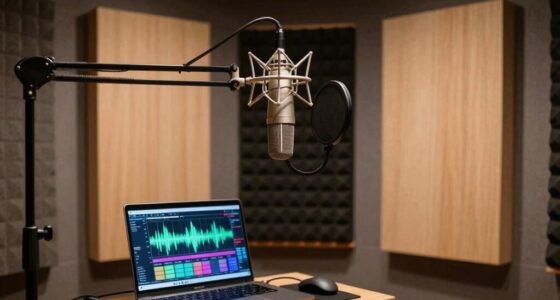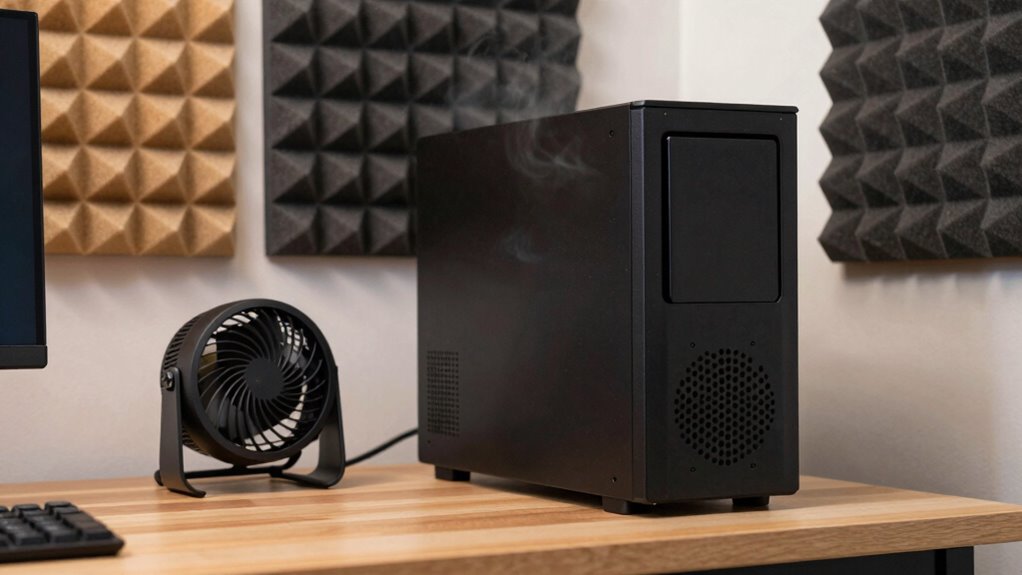

To reduce computer fan noise in your home studio, start by upgrading to quieter, high-quality fans or installing liquid cooling systems for less noise and better cooling. Use soundproofing materials like mats or enclosures to dampen vibrations, and position your system away from your work area. Carefully managing airflow and keeping components clean also help. For more effective solutions, explore additional tips to create a quieter, more comfortable studio environment.
Key Takeaways
- Upgrade to quieter, high-quality fans and consider liquid cooling for efficient, low-noise cooling solutions.
- Use soundproof enclosures, mats, or acoustic panels to minimize vibrations and external noise transmission.
- Position the computer away from the main workspace and behind sound-absorbing materials for optimal noise reduction.
- Regularly clean internal components and manage airflow to prevent dust buildup and maintain quiet operation.
- Combine hardware upgrades with soundproofing techniques for a comprehensive noise reduction strategy.
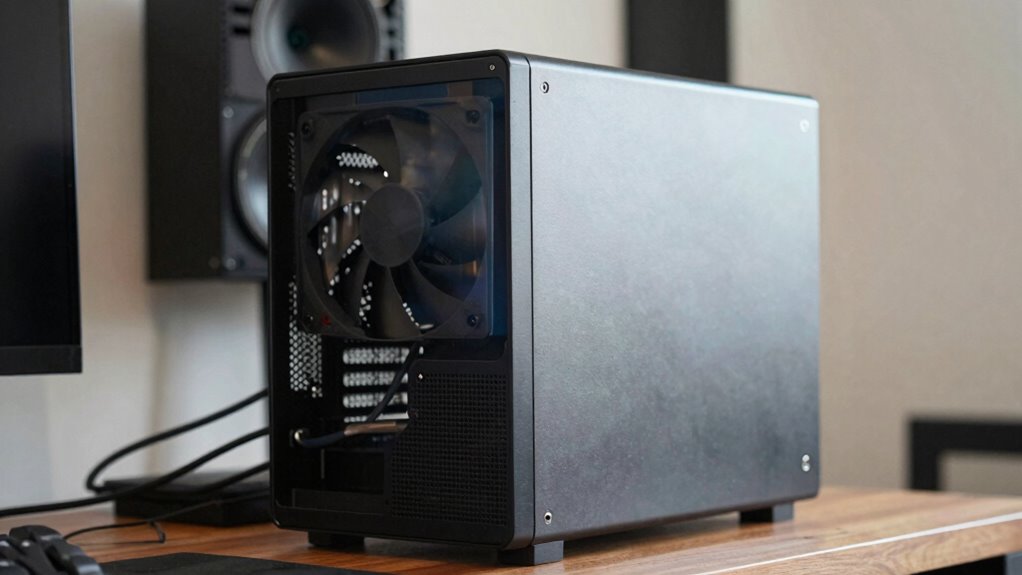
If your computer fans are making loud noise, it can be distracting and annoying, especially when you’re trying to focus in your home studio. Fortunately, there are practical steps you can take to reduce that racket. One of the most effective options is to contemplate hardware upgrades. Upgrading your computer’s cooling system, such as replacing stock fans with quieter, high-quality models, can make a considerable difference. Look for fans designed with noise reduction in mind, which operate at lower decibel levels while maintaining effective cooling. Additionally, upgrading your CPU or GPU cooling solutions—like switching to liquid cooling or larger heatsinks—can help keep temperatures down, reducing the need for fans to spin at full speed. These hardware upgrades not only diminish noise but also improve your system’s overall performance and longevity. Exploring noise reduction techniques can further optimize your setup for a quieter operation.
Upgrading fans and cooling systems can significantly reduce noise and boost your computer’s performance and lifespan.
Alongside hardware improvements, soundproofing techniques are essential for creating a quieter studio environment. You can start by isolating your computer from your workspace. Place it on a sound-absorbing mat or pad to minimize vibrations transferring to your desk or floor. This simple step can cut down on noise vibrations that amplify through your studio setup. Enclosing your computer in a soundproof box or cabinet, specifically designed for noise reduction, is another effective measure. These enclosures are built with insulation materials that dampen the sound emitted by internal components. Just ensure your PC still receives adequate airflow to prevent overheating. Incorporating soundproofing techniques can further enhance the noise reduction efforts by blocking external sounds and vibrations. Additionally, exploring proper airflow management can help optimize cooling while reducing noise levels.
You should also pay attention to the placement of your computer and fans. Position your system away from your primary work area, if possible, or behind acoustic panels that absorb sound. Adding soundproofing materials to your studio walls, ceiling, and floor can further diminish noise pollution. These soundproofing techniques are especially useful if your computer’s fans are inherently loud or if hardware upgrades alone don’t fully resolve the issue. Combining these approaches—upgrading hardware and applying soundproofing techniques—allows you to create a more peaceful environment without sacrificing performance. Incorporating dust buildup and maintenance routines can also help keep your system running quietly and efficiently.

be quiet! Pure Wings 3 120mm Silent PWM Computer Case Fan, Maximum Airflow
- Optimized Frame Design: Peak performance on radiators
- Enhanced Airflow: 7 blades for noise reduction and performance
- Quiet Operation: Low RPM for silent performance
As an affiliate, we earn on qualifying purchases.
As an affiliate, we earn on qualifying purchases.
Frequently Asked Questions
Can Software Adjustments Quiet the Computer Fan Effectively?
Yes, software tweaks can effectively quiet your computer fan through fan control settings. By adjusting fan control, you can lower the fan speed when your system isn’t under heavy load, reducing noise. Many motherboards or dedicated software tools allow you to fine-tune these settings, giving you more control over your system’s noise levels. Just make sure you don’t set the fan speed too low, which could cause overheating.
Does Upgrading Hardware Reduce Fan Noise Significantly?
Upgrading hardware can considerably reduce fan noise, especially if your current components run hot. For example, replacing an older CPU with a more efficient, cooler-running model lowers temperatures, prompting fans to spin slower. Hardware upgrades like better cooling systems or quieter fans directly enhance noise reduction. So, if noise bothers you during recordings, investing in these upgrades can make your home studio much quieter and more comfortable.
Are There Specific Ambient Conditions That Lower Fan Noise?
Yes, optimizing ambient conditions can lower fan noise. You should improve airflow by ensuring proper ventilation and keeping your room cool, which helps your computer run more efficiently. Additionally, implement vibration damping by placing your PC on soft mats or isolators to reduce vibrations that can amplify noise. Maintaining a clean environment free of dust also prevents overheating, keeping fan speeds low and noise minimal.
How Often Should I Clean My Computer to Minimize Noise?
Like a well-tuned engine, your computer needs regular maintenance to run smoothly. You should clean it every 3 to 6 months, more often if you notice dust buildup or increased noise. Regular cleaning prevents dust from clogging fans and vents, which hampers airflow optimization. This keeps your system cool, quiet, and performing at its best, ensuring your home studio remains a sanctuary for creativity, not noise.
Is It Better to Replace the Fan or Modify the Case?
Replacing the fan is usually better if it’s faulty or loud, but modifying the case with cooling pads or adjusting fan speed can also help. Cooling pads improve airflow, reducing the fan’s workload, while controlling fan speed lowers noise without sacrificing cooling. If your fan is still noisy after these adjustments, replacing it offers a more permanent solution. Consider your budget and noise level needs before deciding.

ARCTIC Liquid Freezer III Pro 360 A-RGB – AIO CPU Cooler, Water Cooling
- Compatible with Intel LGA1851 & LGA1700: Optimized contact for better heat dissipation
- ARCTIC P12 PRO Fan: Powerful, quiet, and high-speed cooling
- Native Offset Mounting: Enhanced heat transfer for Intel and AMD
As an affiliate, we earn on qualifying purchases.
As an affiliate, we earn on qualifying purchases.
Conclusion
If you’ve tried all the usual tricks and your computer fan still roars, it’s worth considering that sometimes, less airflow can actually quiet things down—paradoxically, reducing the workload on your fans. Think of your computer like a car engine; sometimes, easing off the gas keeps it running smoother and quieter. So, experiment with airflow and settings, and don’t forget, a little patience might just turn that noisy fan into a silent partner in your home studio.

TroyStudio Portable Sound Proof Box, 16" x 12" x 16.2" Noise Reduction Enclosure, Light Blocking Quiet Cover, Soundproof Barrier for Ultrasonic Cleaner, Air Pump, Rock Tumbler & Generator
- Dimensions and Components: 16x12x16.2 inches with foam panels and cable ports
- Noise Reduction Capability: Reduces noise up to 21.5dB, blocks frequencies above 400Hz
- Light Blocking Design: Seals tightly to prevent light leakage for peaceful sleep
As an affiliate, we earn on qualifying purchases.
As an affiliate, we earn on qualifying purchases.

Easy Cloud USB Computer Fan, 120mm USB Fan with 3 Speeds Controller Small PC USB Fans for Cooling Cabinet Case Receiver Server DVR Greenhouse TV Router Xbox PlayStation
- Anti-vibration Feet: Reduces vibration for stability and quietness
- Universal Compatibility: Fits PCs, servers, gaming consoles, and more
- Three-Speed Control: Adjust speeds up to 2000 rpm for optimal cooling
As an affiliate, we earn on qualifying purchases.
As an affiliate, we earn on qualifying purchases.