
With a Stream Deck, you can instantly switch voice tones, pitches, and effects, making your performances sound professional and polished. It allows you to trigger scripts, cues, and sound effects effortlessly, saving time and reducing distraction. You can assign buttons to different characters or effects, customize workflows, and control your recording software directly. If you keep exploring, you’ll discover even more ways to streamline your voice acting and boost your productivity.
Key Takeaways
- Quickly switch voice tones, pitches, and effects with customizable presets to sound more professional and dynamic.
- Automate scripts, cues, and sound effects to streamline recording sessions and stay focused on delivery.
- Assign buttons to different characters or vocal effects for seamless character switching and immersion.
- Integrate with audio software to control microphone settings and recording parameters instantly.
- Enhance workflow efficiency by organizing cues and scene changes, reducing manual adjustments during recordings.
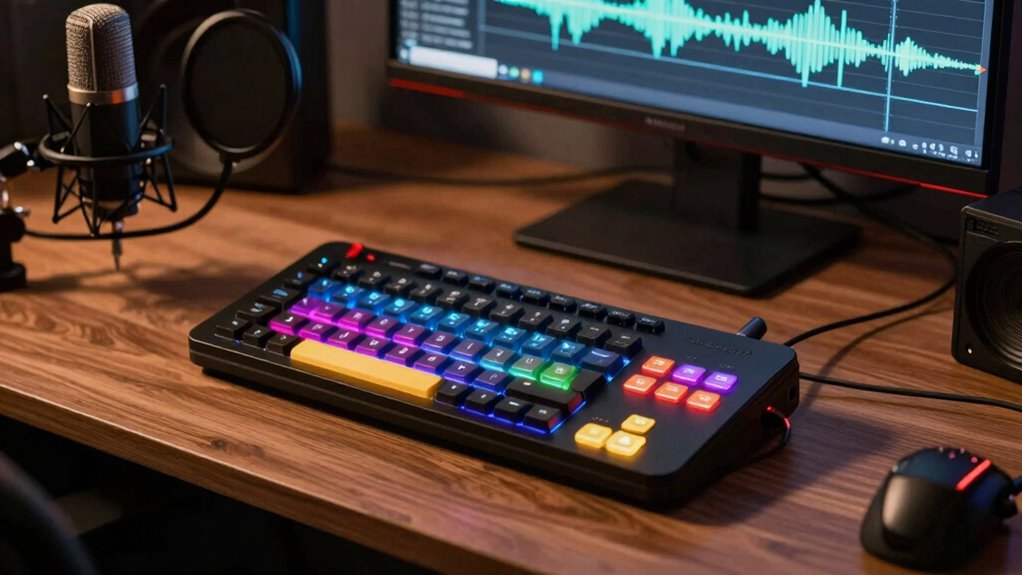
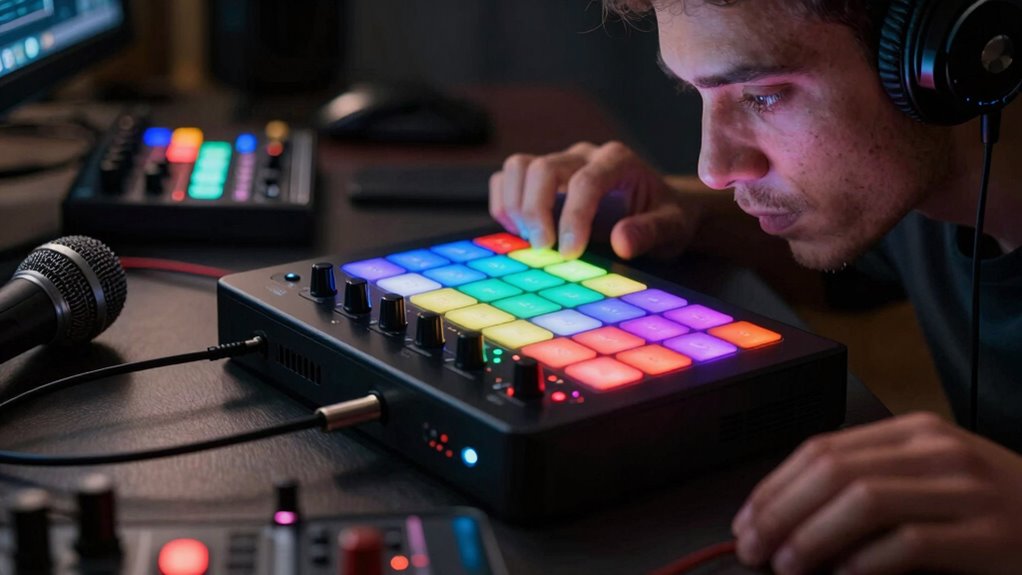
For voice actors, a Stream Deck can be a game-changer, streamlining workflows and boosting productivity during recordings or live sessions. One of the biggest advantages is how it simplifies voice modulation, allowing you to switch effortlessly between different tones, pitches, or effects with a single tap. Instead of fumbling through menus or complex software settings, you can assign voice modulation presets directly to your Stream Deck buttons. This means you can instantly change your voice’s character or style without breaking your flow, making your recordings sound more dynamic and professional. Whether you’re adding a gravelly effect, adjusting pitch, or toggling between different filters, the Stream Deck keeps everything at your fingertips, saving you precious time and maintaining your energy for performance rather than technical fiddling. Additionally, the customizable nature of the device means you can tailor your setup to fit your unique workflow and voice acting style, further enhancing your efficiency.
Stream Deck simplifies voice modulation, enabling quick, seamless changes to tones, pitches, and effects at your fingertips.
Another powerful use case is script automation. As a voice actor, you often work with scripts that require multiple cues, adjustments, or scene changes. Automating parts of this process with your Stream Deck can be a game-changer. You can pre-program buttons to trigger specific scripts, cue sound effects, or adjust microphone settings, all without interrupting your flow. This not only increases efficiency but also helps keep your focus sharp on your delivery. Instead of scrolling through lengthy scripts or manually managing various tools, you can streamline your entire session with a few well-placed buttons. It’s like having a personal assistant that keeps everything organized and ready for you, so your performance stays natural and engaging. Learning how to integrate hardware and software effectively can truly elevate your voice acting setup. Moreover, understanding the importance of industry-standard tools can help you select compatible devices that maximize your workflow. Recognizing the value of customizable controls can empower you to create a setup that adapts to your evolving needs.
What many voice actors don’t realize is how easily you can customize your Stream Deck to suit your unique needs. You can create dedicated buttons for different characters, tone changes, or even specific vocal effects, all linked to your script segments. This level of customization makes it easier to stay immersed in your performance, especially during long recording sessions. Plus, with some software integration, you can set up your Stream Deck to control your digital audio workstation or recording software seamlessly. This tight integration ensures that you don’t waste time browsing complex interfaces; instead, you focus on delivering your best voice work. Exploring the benefits of software integration can truly enhance your workflow. Ultimately, the use of a Stream Deck for voice modulation and script automation isn’t just about convenience—it’s about transforming how you work. It helps you stay organized, react quickly to script changes, and deliver more polished performances. If you knew earlier how much time and effort you could save by setting up these shortcuts, you’d wonder how you ever recorded without it. The truth is, once you start leveraging your Stream Deck for these tasks, you’ll never want to go back to a more manual, cumbersome process.

Elgato Stream Deck MK.2 Studio Controller, 15 Macro Keys
- Number of Macro Keys: 15 customizable LCD keys
- Operation Type: One-touch control for actions
- Feedback System: Visual confirmation of commands
As an affiliate, we earn on qualifying purchases.
As an affiliate, we earn on qualifying purchases.
Frequently Asked Questions
How Do I Customize Stream Deck Buttons for Different Voice Acting Projects?
To customize Stream Deck buttons for various voice acting projects, focus on button customization tailored to each project’s needs. Create distinct icons and labels for each project, making it easy to switch between scripts or sound effects. Use multi-action buttons for efficient project management, like toggling between mic settings or activating specific audio filters. This approach streamlines your workflow, keeps your setup organized, and helps you quickly adapt to different voice acting projects.
Can Stream Deck Integrate With Popular Voice Recording Software?
Yes, your Stream Deck can integrate seamlessly with popular voice recording software, thanks to its hardware compatibility and software integration features. You can set up custom buttons to control functions like recording, pausing, or switching tracks directly from your Stream Deck. Many voice recording apps offer dedicated plugins or can be controlled via MIDI or hotkeys, making it a smooth, efficient process to streamline your voice acting workflow.
What Are the Best Stream Deck Profiles for Voice Actors?
Did you know 65% of voice actors find customized Stream Deck profiles boost efficiency? For your voice acting gear and studio setup, creating tailored profiles helps manage scripts, sound effects, and mic controls seamlessly. Use dedicated buttons for quick access to your favorite plugins or settings, reducing stress during recordings. These profiles streamline your workflow, making your studio setup more professional, organized, and ready for any voice acting session.
Is It Possible to Automate Script Changes With Stream Deck?
Yes, you can automate script changes with your Stream Deck by setting up macro automation. This allows you to quickly access different scripts or scenes with just a press, streamlining your workflow. By creating dedicated buttons for specific scripts, you minimize manual switching and stay focused on your performance. It’s an efficient way to manage multiple scripts, making your voice acting sessions smoother and more professional.
How Can Stream Deck Improve My Remote Voice Acting Sessions?
Imagine your remote voice sessions as a clear, crisp stream flowing seamlessly. You can set up your Stream Deck to instantly switch audio profiles, mute or unmute, and adjust volume, ensuring ideal audio quality. It helps you control background noise levels effortlessly, so your recordings sound professional. With quick access to these functions, you stay focused on your performance, making your sessions smoother and more polished every time.

FLAMMA FV03 Vocal Effects Pedal Voice Processor Vocal Amplifier Stompbox Voice Changing Sounds Like Robot Male Female Baby with Delay Reverb Effects for Polishing Up Vocals Includes Guitar Playing
- Reverb Effects: Three reverb options for voice enhancement
- Voice Modes: Male, Female, Baby, Robot effects
- EQ Modes: WARM, BRIGHT, NORMAL settings
As an affiliate, we earn on qualifying purchases.
As an affiliate, we earn on qualifying purchases.
Conclusion
Now that you’re aware of the Stream Deck’s versatile uses, imagine how much smoother your voice acting sessions can become. It’s not just a tool—it’s your backstage pass to efficiency and creativity. Don’t let this secret slip away like a fleeting whisper; embrace it now, and open a new level of control. After all, in the symphony of your craft, the Stream Deck is the conductor’s baton—ready to elevate every performance.

Korg nanoKONTROL2 Slim-Line USB Control Surface, Black
- Compact, low-profile design: Slim-line USB control surface
- Enhanced track and marker controls: New track select and marker advance
- Universal software compatibility: Supports major DAW programs
As an affiliate, we earn on qualifying purchases.
As an affiliate, we earn on qualifying purchases.

FIFINE Gaming Audio Mixer, Streaming RGB PC Mixer with XLR Microphone Interface, Individual Control, Volume Fader, Mute Button, 48V Phantom Power, for Podcast/Recording/Vocal/Game Voice-AmpliGame SC3
- XLR Microphone Input: Supports professional XLR mics with phantom power
- Individual Channel Control: Separate controls for mic, line, and headphones
- Volume Fader: Smooth control for each audio channel
As an affiliate, we earn on qualifying purchases.
As an affiliate, we earn on qualifying purchases.