
TL;DR

Get everyday helpers delivered free — and shop member deals
- Fast, free delivery on millions of items
- Access to Prime Big Deal Days deals on October 6–7
- Prime Video, Amazon Music and more included
A Sixty and Me first-person report describes one user’s experience after buying a password manager: it made generating and using strong passwords easier, especially on a phone, but did not remove all password-management hassles. The account highlights practical trade-offs, including a master password, duplicate logins and conflicts with Google’s saved-password prompts; it is not a security audit or evidence about password managers as a whole.
A Sixty and Me writer has described how adopting a password manager made it easier to create and use stronger passwords, while adding new tasks and a new point of dependence: remembering one master password. The first-person report presents an individual experience, not an independent test of password-manager security or a finding that users generally should or should not trust such services.
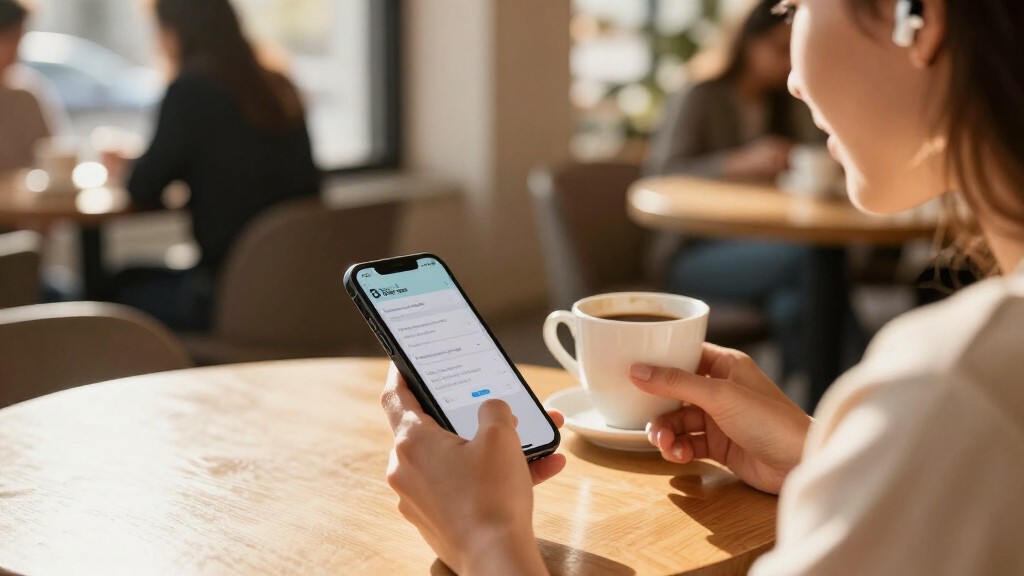
The writer says they bought a two-year subscription after hearing a podcast about security breaches, despite not having experienced a hack or suspicious credit-card activity. The service can generate passwords made up of letters, numbers and symbols, so the user does not need to memorize each one. On a phone, the manager can recognize a website and provide a saved login after the writer uses facial recognition, according to the account.
The change has not been seamless. The writer had previously allowed Google to save passwords, and says Google sometimes offers an outdated password while the manager supplies a newer one. The writer has also found duplicate saved versions of logins and had to determine which was current. These are the writer’s reported experiences; the article does not establish how often these problems occur for other users or with other products.
The manager’s master password creates another responsibility because it controls access to the stored credentials. The writer says they recorded a copy and put it in a safe-deposit box as a precaution. They also choose not to unlock the manager on a work computer. When making a personal account at work, they may need to change its password later at home to store it in the manager.
The Convenience Comes With New Duties
The account illustrates a practical trade-off for people managing many online accounts: a password manager can reduce the need to remember individual passwords, but it does not remove account upkeep. Users may need to resolve duplicate entries, deal with competing browser or device prompts, and decide how they will recover access if they forget the master password.
For readers weighing the option, the source offers a user’s perspective rather than a security verdict. The writer says they feel more confident because the manager creates stronger passwords, but the report provides no technical assessment, breach data, or comparison among services. It also does not show that any particular manager is risk-free. The central takeaway is narrower: convenience and stronger password creation were valuable to this user, while setup and ongoing maintenance remained part of the experience.
best password managers for smartphones
As an affiliate, we earn on qualifying purchases.
As an affiliate, we earn on qualifying purchases.
From Saved Passwords to One Vault
Before adopting the service, the writer had been considering a password manager but delayed because they expected it to simplify some tasks while creating others. A podcast about security breaches prompted the purchase, although the writer says there was no personal security incident at the time. That distinction matters: the account describes a decision made as a precaution, not a response to a confirmed compromise.
The writer’s previous use of Google’s password-saving feature also shaped the experience after switching. The two systems sometimes suggested different credentials, according to the report. The writer limits use of the manager to personal devices and accepts that this may mean updating a password later when an account is created on a work computer. They ultimately say the phone login experience and ability to generate stronger passwords make the effort worthwhile for them, despite the friction.
password manager with facial recognition
As an affiliate, we earn on qualifying purchases.
As an affiliate, we earn on qualifying purchases.
What One Account Cannot Establish
The report does not name the password-manager service, provide technical testing, or compare its security practices with those of other products. It also does not say whether the writer encountered a breach, lost access to the vault, or needed to use the backup master password. No evidence in the account establishes how common the reported conflicts with Google or duplicate entries are.
The source is a single user’s reflection, so readers cannot use it alone to determine whether a particular manager is secure or appropriate for their needs. Details such as the service’s encryption design, account-recovery options and handling of stored information are not discussed.
As an affiliate, we earn on qualifying purchases.
The Writer Plans to Keep Using It
The writer says they are glad they adopted the service and expect to continue using it, particularly for logging in from a phone and generating passwords. They also describe ongoing choices: keeping the manager off a work computer, maintaining a backup for the master password and sorting out duplicate or outdated entries when they appear.
The source does not announce a product change, company response or formal follow-up. Its closing invitation asks readers how they manage passwords and whether they have chosen to use a manager. Any broader assessment of password-manager security would require evidence beyond this personal account.
As an affiliate, we earn on qualifying purchases.
Key Questions
What does the Sixty and Me report say happened?
The writer describes buying a two-year password-manager subscription after hearing about security breaches, then finding that it helped generate and use passwords but brought some new management tasks.
What benefits did the writer report?
The writer valued passwords generated by the manager and easier logins on a phone. They said the convenience was most noticeable when the service recognized a website and supplied a saved login.
What problems did the writer encounter?
The writer reported conflicting password suggestions from Google and the manager, duplicate saved logins, and concern about forgetting the master password. They also chose not to use the manager on a work computer.
Does the report prove password managers are secure?
No. It is a first-person account, not a technical security review or comparison of products. The writer’s positive assessment of stronger passwords reflects their experience and is not independent verification of any service.
What remains unknown about the service?
The article does not identify the product or describe its technical security, recovery process or data-handling practices. It also does not establish how common the writer’s setup problems are among other users.
Source: rss
Halloween Picks
halloween
As an affiliate, we earn on qualifying purchases.