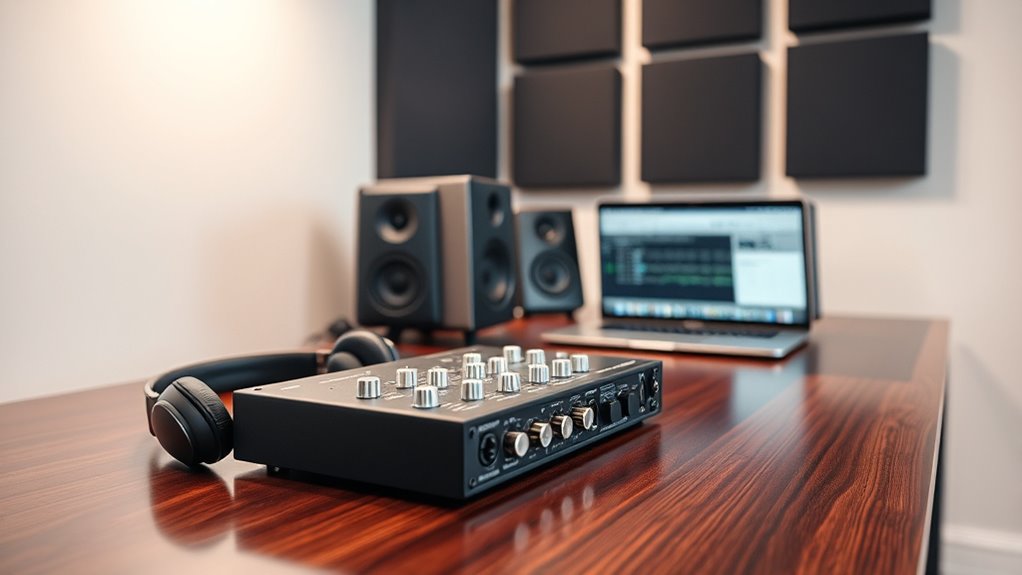

To select the right audio interface for your home studio, start by ensuring it matches your gear and recording needs, like guitar, microphone, or MIDI connections. Set a realistic budget and find a model with enough inputs and outputs for current and future projects. Check OS compatibility and consider portability if you move your setup often. If you explore further, you’ll discover key tips to help you make the best choice for your home studio setup.
Key Takeaways
- Match the interface’s input/output channels to your current and future recording needs.
- Ensure compatibility with your computer’s operating system and driver support.
- Consider instrument-level inputs and quality preamps for clear guitar, bass, and mic recordings.
- Set a budget that balances essential features with affordability, avoiding overspending.
- Account for physical size and portability suited to your studio space and recording environment.
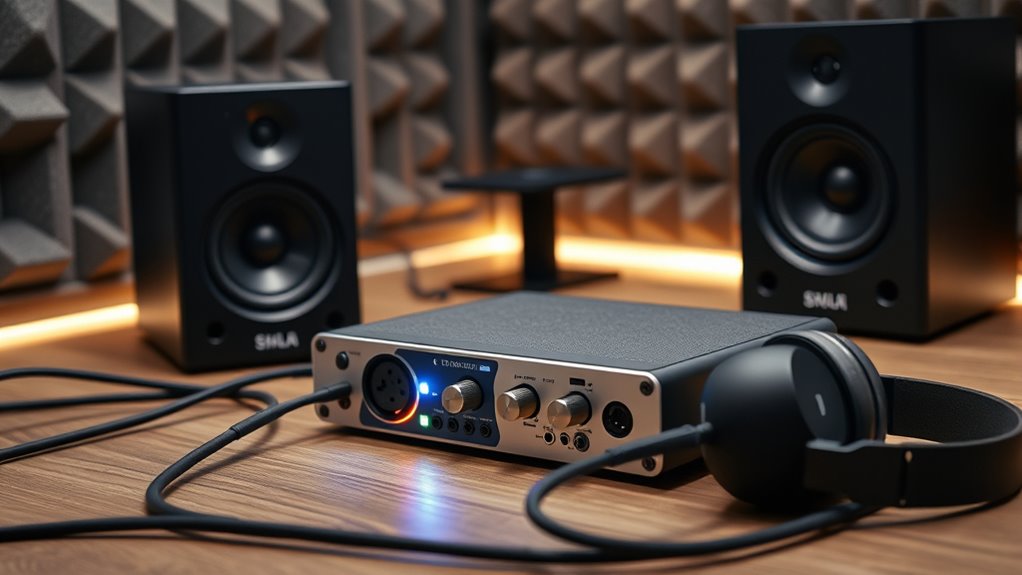
Choosing the right audio interface is a essential step in setting up a home studio, as it directly impacts your sound quality and workflow. When you’re selecting an interface, one of the first things to consider is instrument compatibility. You want an interface that can handle the gear you already own or plan to acquire. For example, if you primarily record guitars or basses, look for models with instrument-level inputs that can connect directly without the need for additional DI boxes. If you plan to record vocals or use microphones, ensure the interface has high-quality preamps and phantom power. For electronic musicians or producers working with MIDI controllers, check if the interface offers MIDI I/O options. Matching your instruments and gear to the interface’s specifications guarantees smooth recording sessions without awkward workarounds or extra adapters, saving you time and frustration.
Budget considerations are equally important. Audio interfaces come in a wide range of prices, from budget-friendly options to high-end models with advanced features. Setting a clear budget helps narrow your choices and prevents overspending. Remember, more expensive doesn’t always mean better for your specific needs. If you’re just starting out or working on simple projects, a basic interface with essential inputs and outputs might be sufficient. However, if you plan to expand your setup or require multiple input channels, investing a bit more could pay off in the long run. Keep in mind that higher-priced models often offer better preamp quality, lower latency, and more durability, but they may also include features you don’t immediately need. Strike a balance between your current needs and future growth to avoid paying for bells and whistles that won’t serve your workflow now.
Additionally, consider the number of inputs and outputs you’ll require. If you’re recording solo, a two-channel interface might suffice, but if you’re collaborating or recording multiple instruments simultaneously, opt for a model with more channels. Compatibility with your computer’s operating system is another factor—most interfaces support Windows and Mac, but it’s worth double-checking to avoid driver issues. Think about the physical size and portability if you plan to move your studio or record on the go. Ultimately, selecting an interface that aligns with your instrument compatibility and fits within your budget ensures a smoother setup process and a more productive recording environment. Taking the time to evaluate these factors now will save you headaches later and help you focus on making music.
Frequently Asked Questions
How Do I Connect Multiple Audio Interfaces Simultaneously?
You can connect multiple audio interfaces simultaneously by using a compatible digital audio workstation (DAW) that supports multi-interface synchronization. Connect each device via USB, Thunderbolt, or FireWire, then configure your DAW to recognize and sync all devices. Confirm the interfaces are compatible for multi-interface synchronization, and use software or hardware clocking options to keep everything in sync. This way, you can expand your input/output capacity effortlessly.
What Are the Best Brands for Budget-Friendly Audio Interfaces?
You’ll find that some of the best budget brands for affordable options include Behringer, Focusrite Scarlett, and PreSonus AudioBox. These brands offer reliable audio interfaces without breaking the bank, making them ideal for home studios. They provide good sound quality, easy setup, and solid build quality at a lower price point. If you’re starting out or on a tight budget, these options give you great value and performance.
Can I Upgrade My Audio Interface Later Without Issues?
Yes, you can upgrade your audio interface later, but it’s smart to contemplate future upgrade considerations and compatibility concerns. Make sure your new interface connects with your existing setup, including your computer’s ports and software. Check if the new device supports your current DAW and plugins. By choosing an interface with versatile connectivity options, you’ll avoid issues and make future upgrades smoother.
How Do I Troubleshoot Latency Issues With My Interface?
To troubleshoot latency issues, start by updating your interface drivers to guarantee ideal performance. Check and adjust your buffer settings—lowering the buffer size can reduce latency, but be cautious not to make it too low, which might cause glitches. Also, close unnecessary background programs, and consider your computer’s processing power. These steps help minimize latency, giving you a smoother recording experience.
What Additional Accessories Do I Need for My Audio Interface Setup?
You’ll want microphone stands to securely hold your mics and studio monitors for accurate sound playback. Consider a pop filter for cleaner recordings and cables for connecting everything smoothly. If you’re recording vocals or instruments, a good pair of headphones is essential. These accessories help you optimize your setup, ensuring clear recordings and accurate monitoring, making your home studio more professional and efficient.
Conclusion
Choosing the right audio interface is like planting a seed—you nurture it, and it blooms into your creative vision. With the perfect connection, your home studio becomes a garden of endless possibilities, where your sound can grow and flourish. Trust your instincts, and let your chosen interface be the sturdy branch supporting your musical journey. When you find that perfect fit, your passion will resonate like a melody echoing through a vibrant, thriving landscape.