
If you’re choosing between Pro Tools and Reaper for voice work, consider your workflow needs. Pro Tools is the industry standard, offering a streamlined, reliable setup for quick, professional recordings. Reaper provides a highly customizable interface and supports a wide range of plugins, all at a lower cost. Both deliver solid performance, but your focus on speed or flexibility can guide your choice. Keep exploring to find out which DAW fits your voice projects best.
Key Takeaways
- Pro Tools is the industry standard with a streamlined interface optimized for speed, ideal for professional voice recording workflows.
- Reaper offers extensive customization and flexibility, allowing tailored workspace setups for enhanced productivity.
- Both DAWs support high-quality plugins, but Reaper’s compatibility with various formats provides broader effects and instrument options.
- Reaper’s lightweight design delivers smoother performance and greater system resource efficiency compared to Pro Tools.
- Pro Tools emphasizes reliability and speed for professional environments, while Reaper offers a cost-effective, highly customizable alternative.
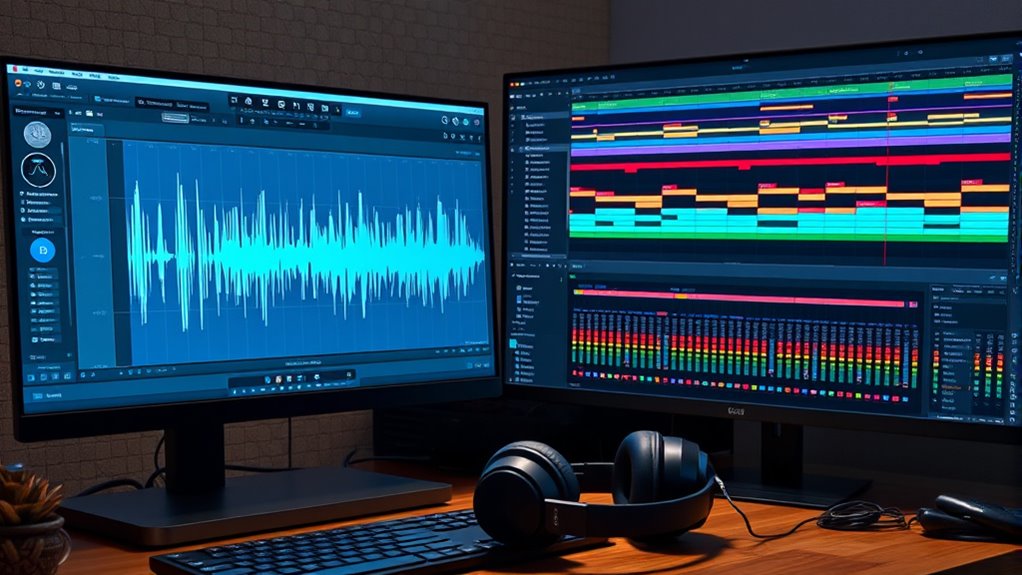
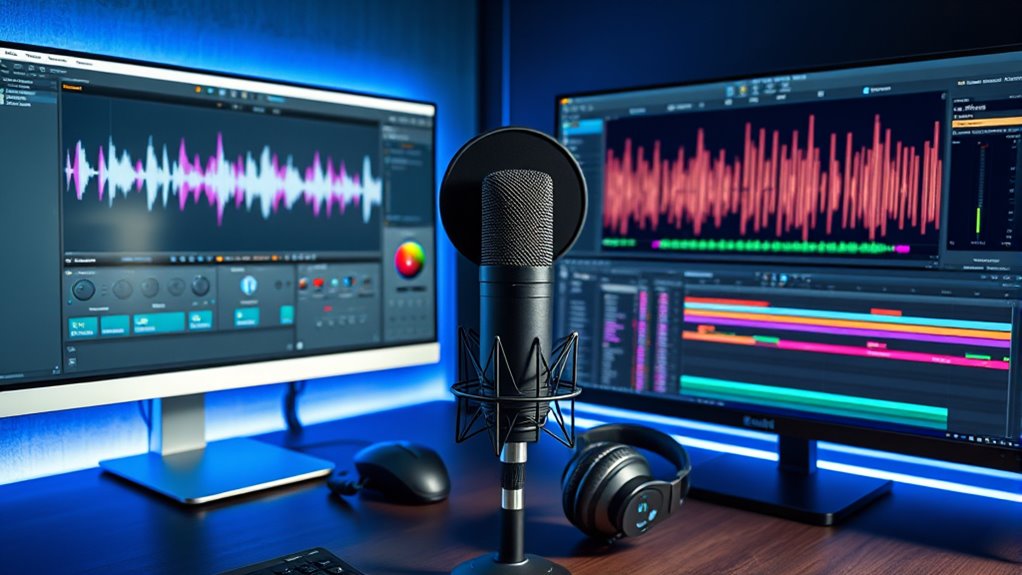
When choosing a digital audio workstation (DAW), your decision often comes down to weighing Pro Tools and Reaper, two popular options that cater to different needs. If you’re focused on voice work, understanding how each platform influences your workflow efficiency and plugin compatibility can make a significant difference. Pro Tools has long been considered industry standard, especially in professional recording studios, thanks to its streamlined interface and optimized performance. Its workflow is designed for speed and reliability, allowing you to record, edit, and mix vocal tracks quickly and intuitively. The interface minimizes clutter, so you can stay focused on your voice without unnecessary distractions. For voice actors and producers working on tight schedules, this efficiency is invaluable. Additionally, Pro Tools offers robust plugin compatibility, supporting high-quality audio effects, virtual instruments, and mastering tools that integrate seamlessly. This guarantees you can enhance your voice recordings with professional-grade plugins without hassle, maintaining high audio fidelity.
Reaper, on the other hand, shines with its flexibility and customization options, making it a favorite among those who prefer a tailored workflow. Its user interface can be adapted to suit your specific needs, allowing you to set up your workspace in a way that maximizes your productivity. Reaper’s workflow efficiency can be boosted by its highly customizable keyboard shortcuts, macros, and scripting capabilities, which help streamline repetitive tasks. When it comes to plugin compatibility, Reaper supports a wide range of third-party plugins, including VST, VST3, and JSFX formats, giving you access to a vast universe of effects and virtual instruments. This flexibility means you can easily incorporate your favorite vocal processing plugins, ensuring your voice recordings sound polished and professional. Furthermore, Reaper’s lightweight design means it consumes fewer system resources, leading to fewer crashes and smoother operation, which is vital when you’re working on voice projects that demand stability.
Both DAWs excel in their own ways, but your choice might hinge on whether you prefer the tried-and-true, industry-standard workflow of Pro Tools or the adaptable, customizable environment of Reaper. If you prioritize quick, efficient workflows and seamless plugin compatibility, Pro Tools offers a polished, reliable platform. Conversely, if you need a DAW that molds to your unique process and provides extensive plugin support at a lower cost, Reaper could be the better fit. Ultimately, your voice work’s success depends on how well your chosen DAW supports your creative and technical needs, making it essential to consider these factors carefully.

Focusrite Scarlett Solo 3rd Gen USB Audio Interface for Guitarists, Vocalists, Podcasters or Producers to record and playback studio quality sound
Pro performance with great pre-amps – Achieve a brighter recording thanks to the high performing mic pre-amps of…
As an affiliate, we earn on qualifying purchases.
As an affiliate, we earn on qualifying purchases.
Frequently Asked Questions
Which DAW Offers Better Latency for Voice Recordings?
Reaper generally offers better latency performance for voice recordings because of its lower latency differences and flexible buffer settings. It’s highly compatible with various hardware setups, allowing you to optimize your system for minimal delay. Pro Tools, while reliable, can have slightly higher latency depending on your hardware and session settings. If latency is your top priority, Reaper’s customization options make it a strong choice.
Can Reaper Match Pro Tools’ Industry-Standard Plug-Ins?
Reaper can definitely hold its own when it comes to plugin compatibility, but it doesn’t quite shine like Pro Tools’ industry-standard plugins. Think of Reaper’s user interface as a flexible toolbox—customizable and user-friendly—yet, some professional-grade plugins might feel more at home in Pro Tools’ established ecosystem. Still, with a bit of tweaking, Reaper’s versatility allows you to achieve top-tier results without sacrificing creativity.
How Do Upgrade Costs Compare Between Pro Tools and Reaper?
You’ll find that Reaper generally has a lower pricing difference and offers more upgrade flexibility compared to Pro Tools. Reaper’s one-time purchase covers updates for years, making it budget-friendly. In contrast, Pro Tools often requires ongoing subscription or paid upgrades for major versions. This means Reaper can be more cost-effective long-term, especially if you prefer avoiding recurring fees and want more control over upgrades.
Is There Better Support for Collaboration in Either DAW?
You’ll find better support for collaboration in Reaper, especially with its cloud-based collaboration features and real-time editing. Reaper allows multiple users to work simultaneously, making remote sessions smoother. Pro Tools offers collaboration tools too, but they’re often more limited and cloud-based features aren’t as integrated. If seamless real-time editing and easy cloud collaboration are your priorities, Reaper provides a more flexible experience for voice work.
Which DAW Integrates More Seamlessly With Popular Audio Interfaces?
Like slipping into a comfy leather chair, Reaper offers smoother integration with popular audio interfaces due to its broad audio interface compatibility and flexible driver settings. You’ll appreciate its stable drivers, reducing glitches during recording sessions. While Pro Tools also supports many interfaces, Reaper’s customizability means you often face fewer driver stability issues, making it a more seamless choice for your voice work setup.

EPOMAKER x LEOBOG Keyboard Switches Set for Mechanical Gaming Keyboard, 100 Pcs Linear/Tactile Switch Set, Factory Lubed, 5-Pin Switch with POM Stem, Compatible with MX Keycaps (Reaper, Linear)
EPOMAKER x LEOBOG Mechanical Switch Set: The LEOBOG Linear Switch is meticulously crafted for enthusiasts who demand an…
As an affiliate, we earn on qualifying purchases.
As an affiliate, we earn on qualifying purchases.
Conclusion
When choosing between Pro Tools and Reaper, it all comes down to your needs. Did you know that Reaper offers a free trial with 60 days of full features? That’s a huge advantage if you’re just starting out or testing options. While Pro Tools is industry-standard, Reaper’s affordability and customization make it a solid choice. Whichever you pick, both can deliver professional voice work—so go ahead and give them a try!

FIFINE Studio Condenser USB Microphone Computer PC Microphone Kit with Adjustable Boom Arm Stand Shock Mount for Instruments Voice Overs Recording Podcasting YouTube Vocal Gaming Streaming-T669
[USB Output] Enables simple setup. USB studio recording microphone kit provides a direct convenient plug-and-play connection to pc…
As an affiliate, we earn on qualifying purchases.
As an affiliate, we earn on qualifying purchases.

Audio-Technica ATH-M20x Professional Studio Monitor Headphones, Black
Advanced build quality and engineering; Designed for studio tracking and mixing
As an affiliate, we earn on qualifying purchases.
As an affiliate, we earn on qualifying purchases.