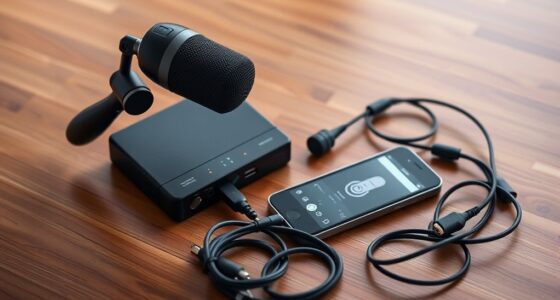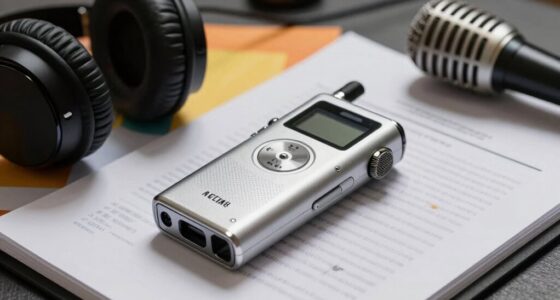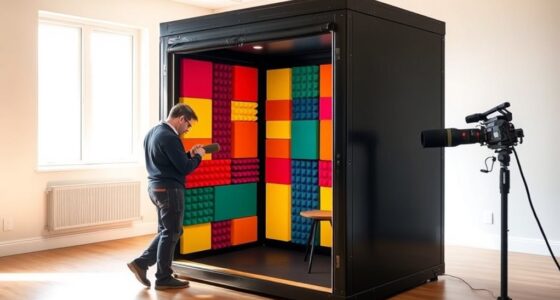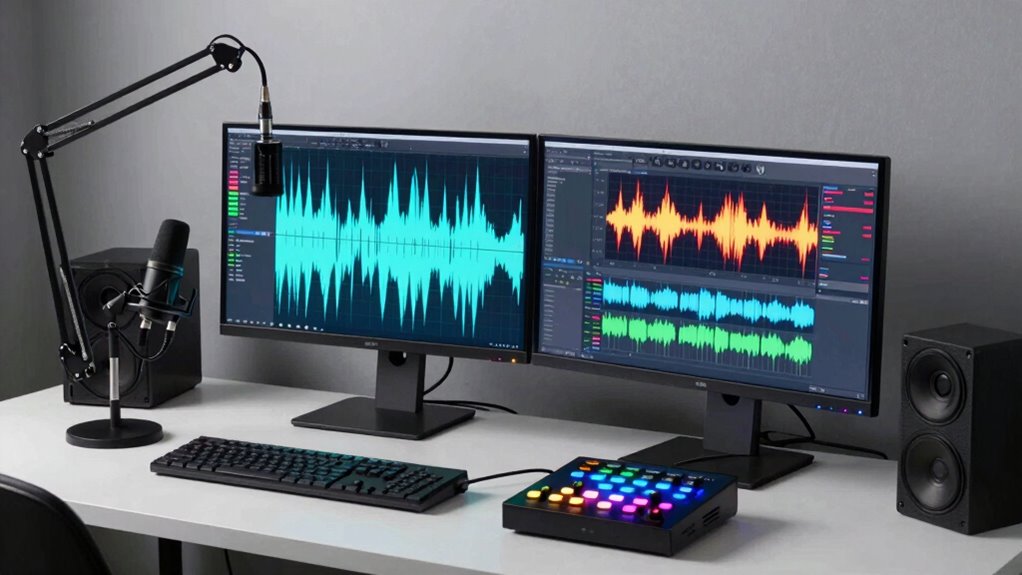
A dual-PC setup can boost your voice-over quality and streamline your workflow by dedicating one machine to recording and another for processing. This minimizes latency, reduces system strain, and keeps your environment interference-free. However, it’s overkill if your current system handles tasks smoothly. Consider your project needs and budget before investing. If you keep exploring, you’ll discover key factors to help decide if this setup is right for you.
Key Takeaways
- Dual-PC setups improve recording quality and workflow efficiency, especially for high-fidelity voice-over projects.
- They help reduce latency and system strain by dedicating one PC for recording and another for processing.
- Compatibility of hardware and network configuration is essential to prevent issues like dropped samples or latency.
- Not necessary if your current setup handles workload without performance issues; overkill for simple projects.
- Ideal for professionals demanding high audio fidelity, but may be unnecessary for casual or beginner voice-over work.
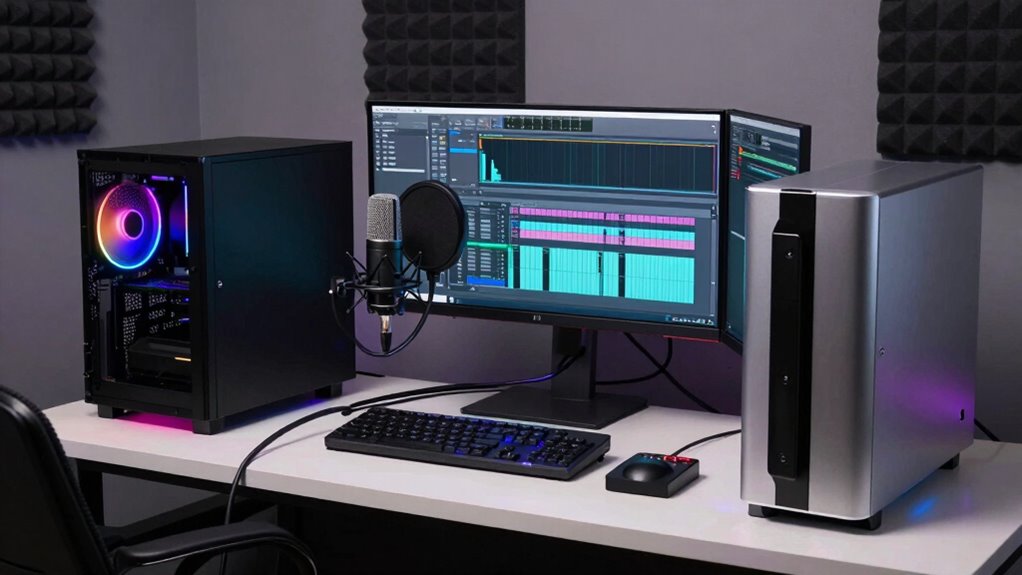
Setting up a dual-PC system for voice-over work can considerably enhance your recording quality and workflow efficiency. This setup allows you to dedicate one computer solely to recording and the other to processing, editing, and managing your files. By splitting these tasks, you reduce the strain on a single machine, which often leads to smoother performance and less audio latency. Audio latency, the delay between speaking into your microphone and hearing the sound, can be a major issue with single-PC setups. A dual system helps mitigate this because you can keep your recording PC optimized solely for capturing high-quality audio without interference from other demanding processes. Additionally, ensuring proper filter sizing/flow is crucial to prevent issues that could impact audio quality or system performance.
However, before jumping into this setup, you need to assess hardware compatibility. Not all computers or audio interfaces play nicely together, and mismatched hardware can introduce issues like dropped samples or synchronization problems. Making sure your audio interface supports multiple connections or can be easily integrated across two systems is essential. Additionally, you’ll want to verify that both PCs can communicate seamlessly, typically through a dedicated network connection or via specialized hardware like an audio over IP setup. This helps guarantee that files transfer quickly and reliably between the two computers, keeping your workflow smooth. Proper network configuration and understanding data transfer protocols are also critical to avoid latency issues during file exchange.
One of the main benefits of a dual-PC setup is the ability to run your DAW (Digital Audio Workstation) on one machine while managing plugins, effects, and file management on the other. This separation not only minimizes audio latency but also prevents your editing or processing tasks from impacting your recording quality. For example, when you record, your primary PC handles the microphone input, while your secondary machine manages real-time effects or virtual instruments without causing delays or interruptions. This setup provides a more professional and reliable recording environment, especially if you’re working on complex projects. Moreover, this separation can help in troubleshooting and isolating issues, making your workflow more resilient to technical problems.
That said, a dual-PC configuration isn’t necessary for everyone. If your current setup handles your workload efficiently and you don’t experience significant audio latency or hardware compatibility issues, it might be overkill. But if you’re consistently battling latency problems or your system struggles under the load, investing in a dual-PC system could be a game-changer. It’s about weighing the benefits against the added complexity and cost. For serious voice-over artists aiming for impeccable sound quality and seamless workflow, a dual-PC setup is a smart solution—just make sure your hardware is compatible and optimized to work together.

M-AUDIO M-Track Duo USB Audio Interface for Recording, Streaming and Podcasting with Dual XLR, Line and DI Inputs, plus a Software Suite Included
Podcast, Record, Live Stream, This Portable Audio Interface Covers it All – USB sound card for Mac or…
As an affiliate, we earn on qualifying purchases.
As an affiliate, we earn on qualifying purchases.
Frequently Asked Questions
How Much Does a Dual-Pc Setup Typically Cost?
A dual-PC setup typically costs between $1,200 and $3,000, depending on your needs. You should consider cost considerations like high-quality audio interfaces and microphones, which can add up. Equipment compatibility is vital—ensure both PCs can communicate seamlessly and support your recording software. Investing in reliable hardware might seem pricey, but it’s essential for smooth workflow and professional results, making the setup worthwhile if you need top-tier audio quality.
Is Dual-Pc Setup Necessary for Beginner Voice Overs?
Think of your setup as a toolbox—you don’t need every tool for a small project. For beginners, a dual-PC setup is like carrying a full workshop; it’s unnecessary and adds unnecessary equipment complexity. It’s not very cost-effective, especially when starting out, since you can achieve high-quality recordings with a single PC and good interface. Focus on learning the craft first, then consider if a dual-PC setup benefits your workflow later.
What Are the Main Technical Challenges of Dual-Pc Setups?
The main technical challenges of dual-PC setups include ensuring hardware compatibility and maintaining system synchronization. You might face issues with hardware mismatches, like incompatible audio interfaces or drivers, which can cause delays or failures. Additionally, syncing audio and video streams between both PCs can be tricky, leading to latency or sync problems. To overcome these, you need to carefully select compatible hardware and use reliable synchronization methods, like network audio protocols or dedicated sync tools.
Can Dual-Pc Setups Improve Audio Quality Significantly?
A dual-PC setup can improve your audio quality considerably if you optimize it well. With separate systems, you can reduce interference from wireless connectivity and prevent latency issues that affect sound clarity. Plus, you can dedicate one PC for recording and another for processing, allowing you to implement better acoustic treatment without compromising performance. This setup offers cleaner recordings, but only if you invest in proper hardware and environment.
How Much Space Does a Dual-Pc Configuration Require?
A dual-PC setup takes up more space than a single system, but it can be surprisingly space-efficient if you prioritize compact hardware. While it adds to setup complexity, you can manage this with organized desks and rack mounts. You’ll need room for both computers, audio interfaces, and cables, but thoughtful placement keeps clutter minimal. Overall, it’s a trade-off between enhanced performance and increased space requirements.

FIFINE USB Microphone, Metal Condenser Recording Microphone for MAC OS, Windows, Cardioid Laptop Mic for Recording Vocals, Voice Overs, Streaming, Meeting and YouTube Videos-K669B
[Convenient Setup] Plug and play recording USB microphone for PC, with 5.9-Foot USB cable included for computer PC…
As an affiliate, we earn on qualifying purchases.
As an affiliate, we earn on qualifying purchases.
Conclusion
A dual-PC setup for voice over can feel like wielding a double-edged sword—powerful yet potentially overkill. If you’re just starting out or working on simple projects, a single PC might be enough. But if you’re aiming for top-tier quality and smooth workflow, the extra gear can be a game-changer, like adding a turbo boost to your engine. Ultimately, it’s about balancing your needs with your budget, turning your studio into a well-oiled machine.

B00A128S24
As an affiliate, we earn on qualifying purchases.
As an affiliate, we earn on qualifying purchases.

Digital Audio Workstation USB for Windows & macOS – Complete Music Production Suite with LMMS – 32/64-Bit Bootable Software with Setup Guide
Complete digital audio workstation software for music production, beat making, mixing, and sequencing.
As an affiliate, we earn on qualifying purchases.
As an affiliate, we earn on qualifying purchases.