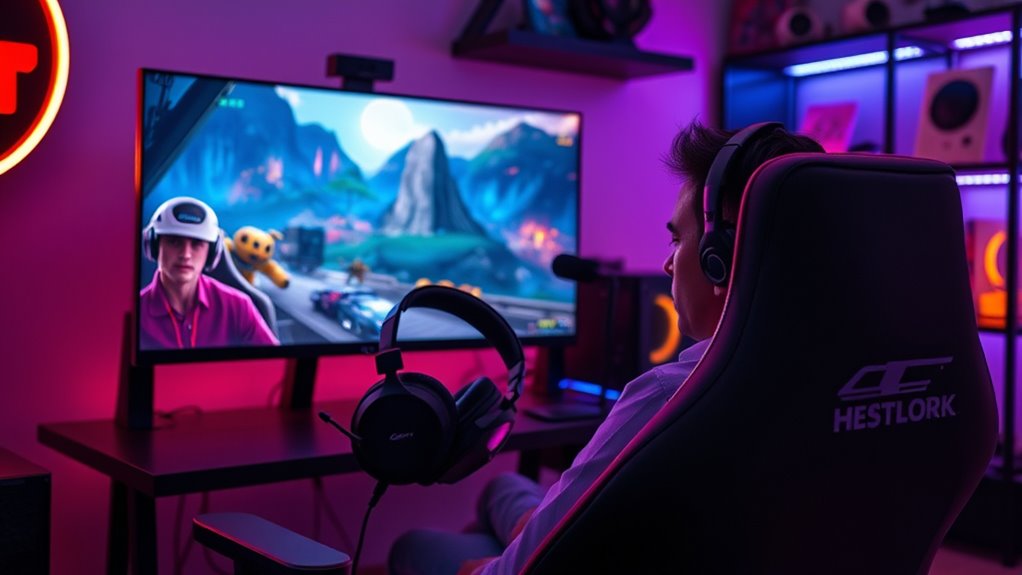

Spatial voice chat in games creates a more immersive experience by making your conversations feel natural and realistic. It adjusts volume and direction based on where players are, helping you identify nearby teammates or threats instantly. This technology enhances teamwork and situational awareness with 3D sound cues, making the game world feel more alive. If you keep exploring, you’ll discover how these tools elevate your gameplay and deepen your connection with other players.
Key Takeaways
- Spatial voice chat enhances immersion by mimicking real-world interactions with dynamic volume and directional audio cues.
- It improves situational awareness through precise localization of sounds like footsteps and gunfire.
- Automatic voice proximity adjusts volume based on distance, promoting natural team communication.
- These tools foster organic teamwork and reduce misunderstandings with seamless, realistic sound flow.
- Overall, they create a more engaging, authentic multiplayer experience by integrating sound into gameplay environments.
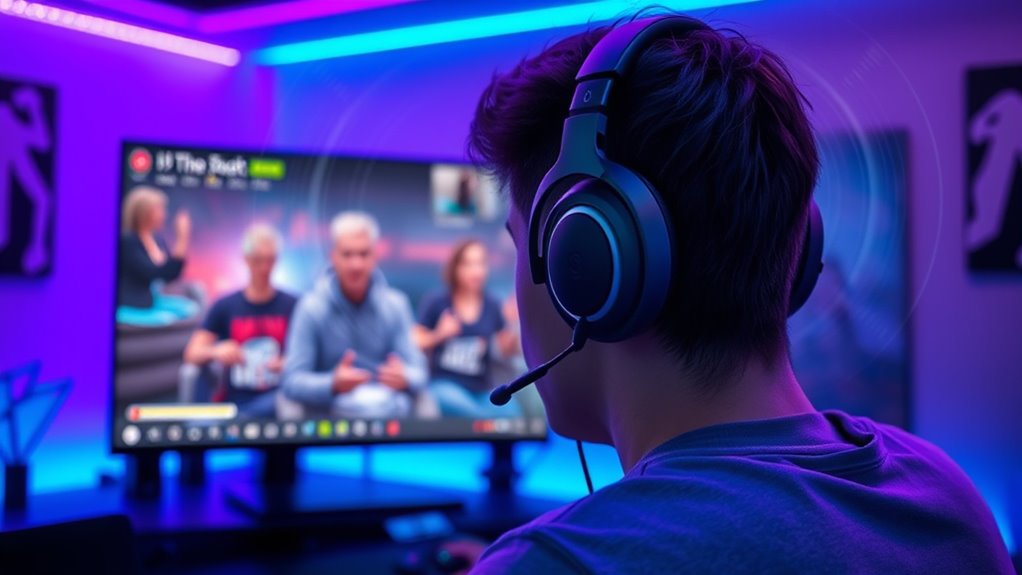
Spatial voice chat in games transforms the way players communicate by making conversations feel more natural and immersive. Instead of traditional voice chats that cut off suddenly or sound distant regardless of your in-game position, spatial voice creates a sense of presence, as if you’re really in the same room with other players. When you speak, your voice’s volume and direction change based on your position relative to others, thanks to voice proximity and sound localization. These features allow you to hear teammates more clearly when they’re nearby and subtly fade their voices into the background when they’re farther away, mimicking real-world conversations.
With voice proximity, you can easily tell who’s close and who’s distant just by listening. If a teammate is right next to you, their voice sounds loud and clear, making it easy to coordinate on the fly. As they move farther away, their voice naturally diminishes in volume, helping you identify their position without needing to look at a map or type messages. This proximity-based system enhances teamwork because it encourages natural, spontaneous communication. You won’t need to manually open a chat window or adjust settings; the game’s audio engine automatically manages these changes, creating a seamless experience.
Voice proximity makes communication natural and effortless by adjusting volume based on teammate distance.
Sound localization plays a fundamental role in helping you pinpoint where other players are located in the game world. It’s like having supercharged hearing—your ears are attuned to the direction and distance of sounds, allowing you to identify enemy footsteps, gunfire, or fellow players’ voices with precision. When someone speaks, you can tell whether they’re to your left, right, behind, or ahead, simply by listening. This spatial awareness adds a layer of tactical depth to gameplay, as you can react faster to threats or opportunities based on sound cues. It also makes exploring more engaging because you feel more connected to the environment and your teammates. Additionally, audio cues enhance overall immersion, making gameplay more realistic and responsive.
Using spatial voice chat with sound localization and voice proximity, you’ll find your gaming sessions more dynamic and realistic. It shifts communication from a static, artificial experience to an organic, immersive one. You’ll hear conversations that ebb and flow naturally as players move around, fostering better teamwork and situational awareness. This technology reduces misunderstandings caused by miscommunication, as the audio cues carry more context about who’s speaking and where they are. Overall, spatial voice chat is transforming multiplayer gaming into a more connected, authentic experience—one that makes you feel like you’re truly part of a team in a shared space.

Xbox Wireless Gaming Headset – Over Ear Headphones – Spatial Audio with Dolby Atmos, Windows Sonic Series X|S, One, Windows PC, Mobile – Carbon Black
BEST-IN-CLASS AUDIO PERFORMANCE: Surround yourself with spatial audio technologies including Dolby Atmos, Windows Sonic, and DTS Headphone:X.* Revealing…
As an affiliate, we earn on qualifying purchases.
As an affiliate, we earn on qualifying purchases.
Frequently Asked Questions
How Does Spatial Voice Chat Impact Player Privacy?
Spatial voice chat can impact your privacy by raising concerns about voice data security and user anonymity. When you use this feature, your voice data might be stored or transmitted, risking exposure if not properly protected. However, developers often implement encryption and privacy controls to safeguard your information. You can also choose to remain anonymous, but always stay aware of how your voice data is managed to protect your privacy effectively.
What Are the Technical Requirements for Implementing Spatial Voice Chat?
Implementing spatial voice chat is like building a high-speed rocket for your game. You need hardware compatibility, guaranteeing your devices support 3D audio processing, and low network latency to keep conversations seamless. A powerful microphone, accurate spatial positioning, and reliable internet connection are essential. Optimizing for real-time data transfer and integrating with your game engine ensures players experience immersive, lifelike conversations without lag, making the virtual world feel more alive than ever.
Can Spatial Voice Chat Be Used Across Different Gaming Platforms?
Yes, spatial voice chat can be used across different gaming platforms. You need to guarantee cross-platform compatibility and seamless device integration, so players on various consoles and PCs can communicate naturally. Developers often use standardized protocols and cloud services to enable this feature. When properly implemented, it creates an immersive experience where your voice adapts to the environment, regardless of the device or platform you’re using.
How Does Spatial Voice Chat Improve Team Coordination?
Think of spatial voice chat as your team’s secret radar, sharpening your team communication and situational awareness. It makes conversations feel like they’re happening right beside you, helping you respond faster and more accurately. With clear, directional sound cues, you can pinpoint teammates’ locations and intentions instantly, turning chaotic chatter into synchronized movements. This immersive tool transforms your team’s coordination, making every mission feel like a well-rehearsed symphony.
Are There Customization Options for Spatial Voice Chat Settings?
Yes, you can customize spatial voice chat settings easily. You can adjust voice modulation to change how your voice sounds, enhancing immersion or clarity. The user interface makes it simple to fine-tune these options, allowing you to control distance effects, volume, and directional audio. This way, you can personalize your experience, ensuring seamless communication tailored to your preferences and gameplay style.
3D surround sound gaming headphones
As an affiliate, we earn on qualifying purchases.
As an affiliate, we earn on qualifying purchases.
Conclusion
As you explore these new tools, you’ll find spatial voice chat transforms gaming into a truly immersive experience, much like stepping into a sci-fi holodeck. By mimicking real-world sound dynamics, you feel more connected to your teammates and the environment. Imagine chatting in a medieval tavern, where every whisper and shout has weight. Embracing this tech, you’ll soon realize that spatial audio isn’t just a feature—it’s the future of authentic gameplay.

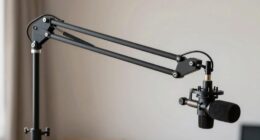
TONOR Gaming Microphone Set with Boom Arm, Vocal Condenser Microphone for PC with Stand, USB Mic with controllable RGB Light, One Tap Mute, Volume Control, for Discord, Twitch Streaming, TC310+
Clear Sound: Equipped premium chips and core, coupled with expert tuning, resulting in a pure, clean sound, providing…
As an affiliate, we earn on qualifying purchases.
As an affiliate, we earn on qualifying purchases.

Redragon GS520 RGB Desktop Speakers, 2.0 Channel PC Computer Stereo Speaker with 6 Colorful LED Modes, Enhanced Sound and Easy-Access Volume Control, USB Powered w/ 3.5mm Cable
Enhanced Clear Sound – Equipped with advanced sound drive unit with full range 2.0 channel enhanced stereo core,…
As an affiliate, we earn on qualifying purchases.
As an affiliate, we earn on qualifying purchases.