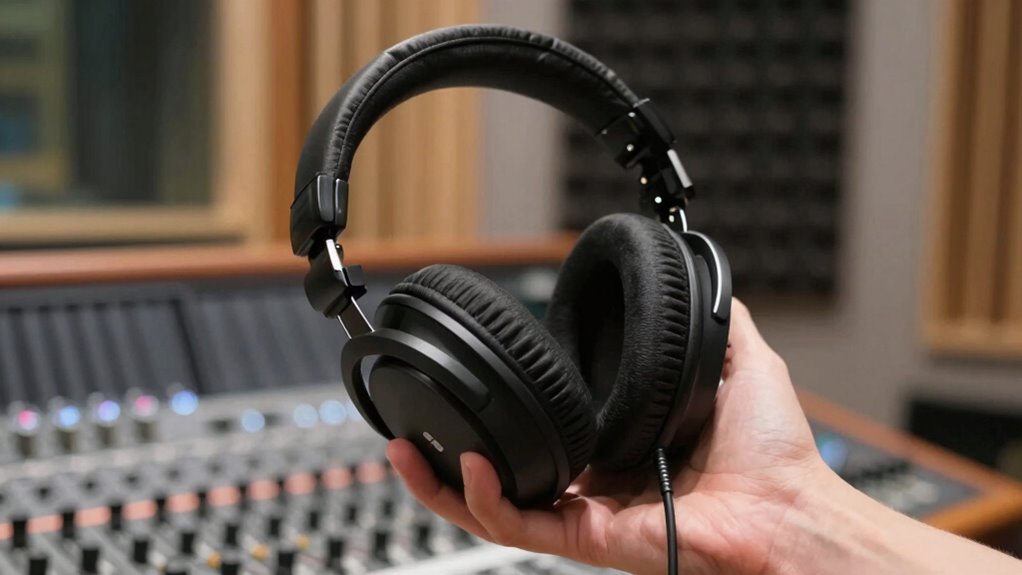

To avoid bleed and fatigue, choose over-ear headphones with snug, padded cups that create a strong seal around your ears, blocking out external noise and reducing sound leakage. Opt for headphones with balanced sound profiles and good noise isolation, which help prevent ear fatigue during long sessions. Wireless models with reliable connectivity give you freedom of movement without sacrificing quality. If you want to discover more tips on selecting the best headphones for your needs, keep exploring.
Key Takeaways
- Choose over-ear headphones with snug, padded ear cups for optimal noise isolation and comfort during long sessions.
- Opt for headphones with active noise cancellation to block external sounds without causing ear fatigue.
- Ensure a secure, comfortable fit to prevent sound bleed and reduce fatigue from prolonged use.
- Select models with balanced sound profiles to avoid excessive bass or volume that can cause discomfort.
- Prioritize wireless headphones with stable Bluetooth connections to minimize distractions and movement restrictions.
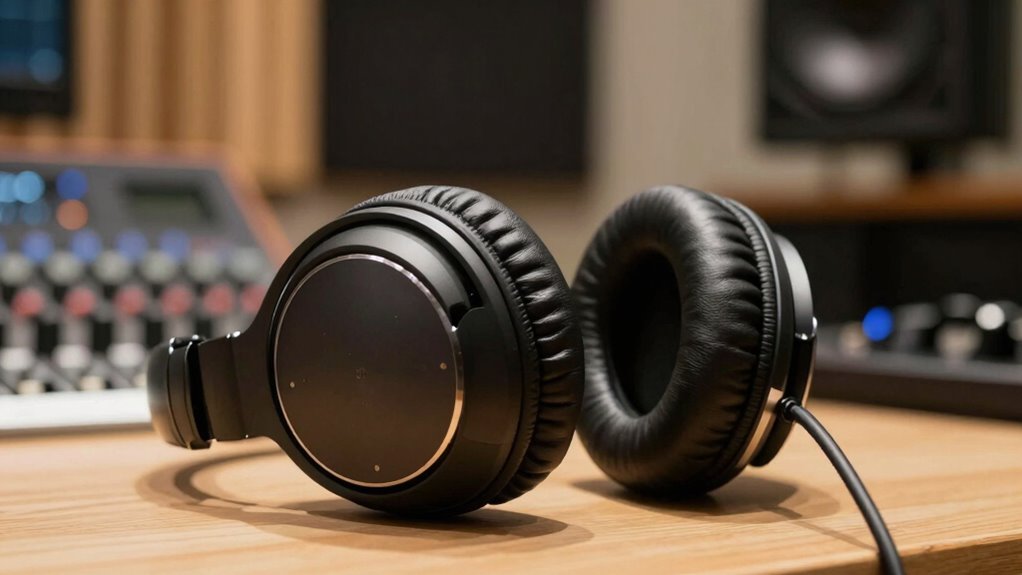
Recording headphones are essential for capturing clear sound, but choosing the wrong pair can lead to annoying bleed and ear fatigue. When you’re working on recordings, you need headphones that deliver accurate audio without leaking sound into your microphones. Wireless connectivity offers a lot of convenience, freeing you from tangled cords, but it also requires careful selection. Not all wireless headphones provide the same level of noise isolation, which is vital for preventing bleed. If your headphones don’t block out external noise well, you might find yourself turning up the volume, which only increases the chance of audio bleed and ear strain.
Choosing the right wireless headphones with strong noise isolation prevents bleed and reduces ear fatigue during recordings.
Good noise isolation is key to avoiding fatigue and bleeding issues. When your headphones effectively block out ambient noise, you don’t need to crank up the volume to hear details clearly. This reduces ear fatigue and minimizes sound leakage, so your recordings stay clean. Look for headphones with a snug fit and padded ear cups, as they help create a seal around your ears, enhancing noise isolation. Over-ear designs tend to do a better job than on-ear or in-ear models for studio recording because they sit firmly and prevent sound from escaping. Additionally, noise isolation is an essential feature for achieving professional-quality recordings. Selecting headphones with proper fit can significantly improve your overall recording experience.
Wireless headphones with robust noise isolation allow you to move freely without sacrificing sound quality. If you’re aiming for professional recordings, opt for models that prioritize this feature. Keep in mind, some wireless headphones use active noise cancellation, which can further improve isolation by reducing ambient noise. However, it’s essential to choose a pair with a natural sound profile to avoid listening fatigue over long sessions. Overdoing noise cancellation or high bass levels can cause discomfort and ear fatigue, so test different models to see what feels best for you.
You also want headphones with a reliable wireless connection to prevent dropouts or latency that could disrupt your workflow. A stable wireless connection ensures you stay focused without constantly adjusting or troubleshooting. Many high-quality models use Bluetooth 5.0 or higher, offering stronger signals and less interference. When shopping, prioritize headphones that combine excellent wireless connectivity with superior noise isolation, so you get a seamless, fatigue-free recording experience. The right pair will help you concentrate on your sound, reduce bleed, and keep your ears comfortable during those long recording sessions. Additionally, wireless technology advancements have made it easier than ever to find headphones that offer both freedom of movement and high-quality audio for professional use.

Soundcore by Anker Q20i Hybrid Active Noise Cancelling Headphones, Black
- Hybrid Noise Cancelling: Reduces up to 90% external noise
- Detailed Audio Quality: 40mm drivers with BassUp technology
- Long Battery Life: 40 hours with ANC, 60 hours normal mode
As an affiliate, we earn on qualifying purchases.
As an affiliate, we earn on qualifying purchases.
Frequently Asked Questions
Can Open-Back Headphones Reduce Recording Bleed Effectively?
Open-back headphones don’t effectively reduce recording bleed because their open design allows sound to escape and enter the microphone, especially if you’re close to it. This design impacts sound isolation, making it harder to prevent bleed, even with proper microphone proximity. For better sound isolation and bleed reduction, closed-back headphones are preferable. They contain sound more effectively, helping you maintain cleaner recordings and clearer audio.
What Is the Best Headphone Material to Prevent Ear Fatigue?
If you’re tired of feeling like your ears are hosting a foam party, opt for headphones with plush, breathable ear padding made from memory foam or velour. These materials gently conform to your ear canal, reducing pressure and preventing fatigue. Say goodbye to ear aches and hello to marathon recording sessions. Trust me, your ears will thank you for choosing soft, moisture-wicking ear padding that keeps comfort front and center.
How Does Headphone Impedance Influence Fatigue During Long Sessions?
Higher impedance headphones often reduce listener fatigue during long sessions because they require proper impedance matching with your amplifier, preventing excessive power flow. This guarantees consistent sound levels and less strain on your ears. When impedance is well-matched, you experience improved listener comfort, avoiding the need to turn up volume excessively, which can cause fatigue. So, choosing headphones with suitable impedance helps maintain comfort and prevents fatigue during extended recording or mixing sessions.
Are Noise-Canceling Headphones Suitable for Professional Recording?
Noise-canceling headphones can be suitable for professional recording, especially when ambient noise or sound isolation is a concern. They reduce background sounds, helping you focus on your mix without distractions. However, some professionals prefer open-back headphones for accurate sound reproduction. If you choose noise-canceling models, make certain they provide clear sound quality and minimal latency to maintain the integrity of your recordings.
How Often Should I Replace My Recording Headphones for Optimal Performance?
For peak performance, replace your recording headphones approximately every 1 to 2 years, depending on headphone durability. Regularly check for cracks, loose cushions, or declining sound quality, signaling it’s time for a swap. Consistent use, sweat, and wear can diminish performance, so don’t delay replacing them. Prioritize proper maintenance and attentive assessment to guarantee your headphone durability keeps up with your recording demands, maintaining pristine sound and preventing fatigue.
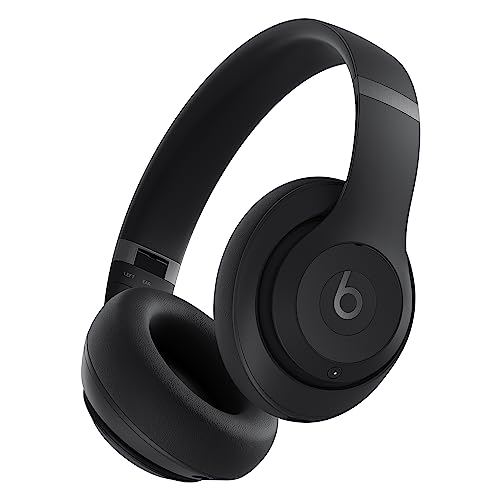
Beats Studio Pro Premium Wireless Over-Ear Headphones- Up to 40-Hour Battery Life, Active Noise Cancelling, Great for Travel & Commuting, USB-C Lossless Audio, Apple & Android Compatible -Black
- Superior Sound Quality: Rich, balanced audio for all uses
- Lossless Audio Support: USB-C lossless audio and analog option
- Active Noise Cancelling: Blocks distractions during travel and work
As an affiliate, we earn on qualifying purchases.
As an affiliate, we earn on qualifying purchases.
Conclusion
By choosing the right headphones, you’re not just avoiding bleed and fatigue—you’re transforming your recording sessions into a pure, crystal-clear symphony. Imagine headphones so comfortable, they feel like a gentle hug, and so well-isolated, they block out the chaos of the world. With the perfect pair, you’ll release your creative genius without distraction or discomfort, turning every recording into a masterpiece. Don’t settle for less—step into a world where sound is flawless and fatigue is a distant memory!

OneOdio A71 Hi-Res Wired Over-Ear Studio Headphones for DJ, Mixing – Black
- High-Resolution Sound: 40mm drivers for clear, detailed audio
- Comfortable Fit: Padded ear cushions and adjustable headband
- Versatile Connectivity: Includes 3.5mm and 6.35mm plugs with long coiled cord
As an affiliate, we earn on qualifying purchases.
As an affiliate, we earn on qualifying purchases.
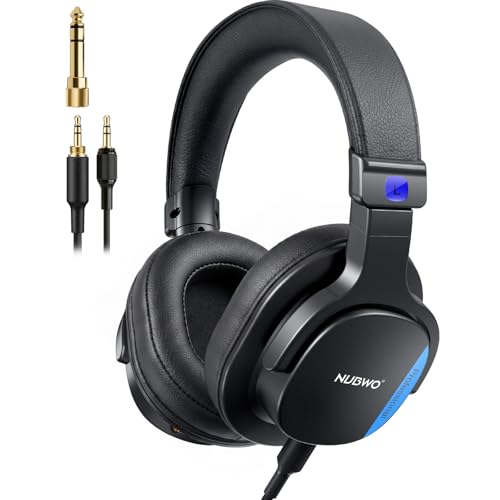
NUBWO HD01 Studio Headphones Wired, Hi-Res Over Ear Headphones with 1/4 inch to 3.5mm Adapter, Lightweight Closed Back DJ Headphones for Piano Guitar AMP Recording Mixer Amplifier
- High-Res Sound Quality: Neutral, balanced, and accurate audio
- Dual Locking Audio Ports: Secure, reliable connection for professional use
- Lightweight and Comfortable: Only 241g with adjustable, rotatable earcups
As an affiliate, we earn on qualifying purchases.
As an affiliate, we earn on qualifying purchases.