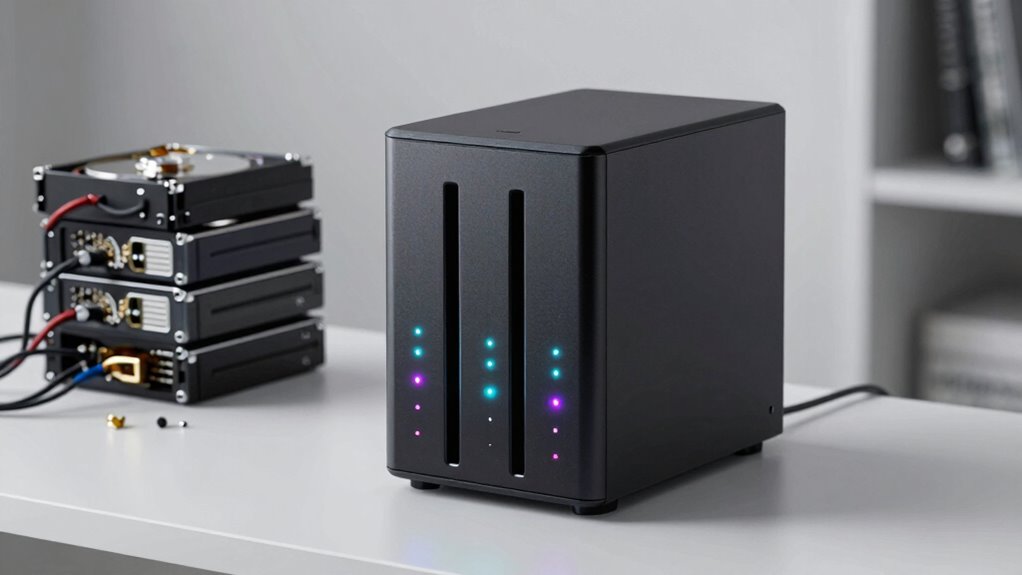

A NAS is a better choice than stacking drives when you want reliable data protection, easy remote access, and simple management. With a NAS, you benefit from RAID configurations that safeguard your files against drive failures, ensuring your data stays safe and accessible at all times. Plus, it makes sharing and organizing files effortless across multiple devices and locations. Keep exploring to discover how a NAS can streamline your data needs even further.
Key Takeaways
- NAS provides built-in RAID redundancy, safeguarding data against drive failures, unlike stacking drives without redundancy.
- NAS enables remote access and easy sharing across multiple devices and locations, unlike limited access with stacked drives.
- NAS offers user-friendly management, automatic backups, and media server features, simplifying data maintenance compared to manual stacking drives.
- NAS ensures continuous operation and data protection, reducing the risk of data loss inherent in non-redundant stacked drives.
- NAS centralizes storage, reducing clutter and streamlining data security, accessibility, and management better than multiple external drives.
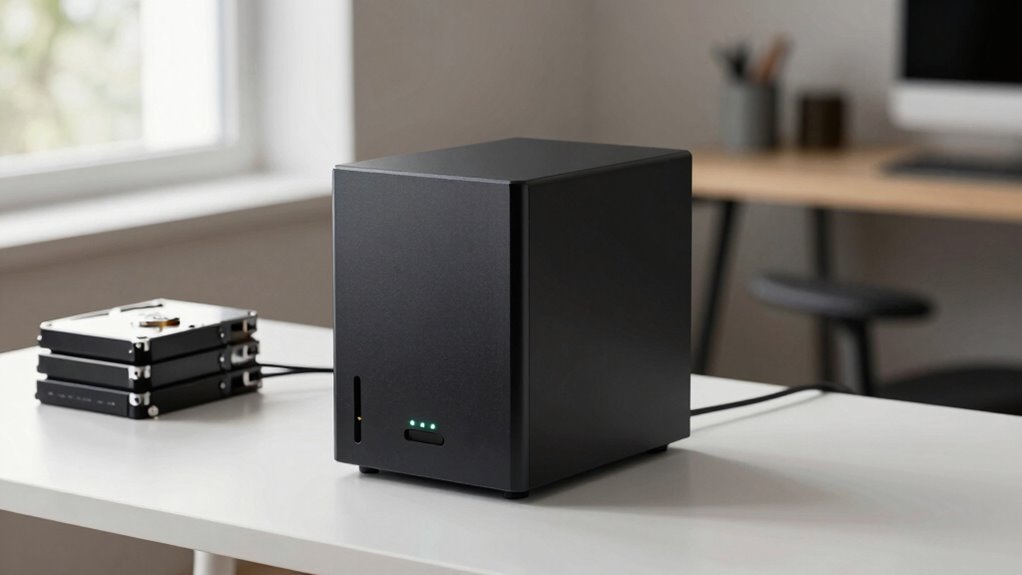
When you’re deciding between a NAS and simply stacking drives, understanding the key differences can save you time and frustration. A NAS, or Network-Attached Storage, is designed to connect directly to your network, allowing multiple devices to access stored data simultaneously. In contrast, stacking drives typically involves connecting external drives to a single computer, which limits access to that device alone. If you need efficient data redundancy and reliable network accessibility, a NAS often proves to be the better choice.
Data redundancy is a major advantage of a NAS. Many NAS units support RAID configurations, which distribute data across multiple drives to protect against drive failure. If one drive crashes, your data remains safe, and you can replace the faulty drive without losing any information. Stacking drives, however, usually lack this built-in redundancy unless you set up complex software solutions, which can be complicated and less reliable. Without redundancy, a single drive failure can lead to significant data loss, making a NAS a safer, more resilient solution for important files. Additionally, NAS devices are designed for continuous operation, ensuring your data is always accessible and protected.
A NAS with RAID provides automatic data protection against drive failures, ensuring your files stay safe and accessible.
Network accessibility is another critical factor. With a NAS, your data isn’t confined to one device; it’s accessible from anywhere on your local network or even remotely over the internet. This means you can retrieve files from your phone, tablet, or laptop without physically connecting drives or carrying external storage. If you work from multiple locations or have a household with several users, this level of accessibility becomes invaluable. Stacked drives connected directly to one computer limit sharing to that device alone. Sharing data with others involves physically moving drives or creating complicated network setups, which can be inconvenient and slow.
Furthermore, NAS units often come with user-friendly interfaces, automatic backups, and media server capabilities, making data management simpler and more efficient. They’re built for continuous operation, so you don’t have to worry about powering down drives or managing multiple external devices. On the other hand, stacking drives require manual intervention for backups, troubleshooting, and maintenance, which can become time-consuming and prone to user error. Additionally, a NAS can support data redundancy configurations, providing an extra layer of security for your files. In addition, a NAS typically offers remote access features that make it easier to retrieve your data when you’re away from home or the office. The investment in a NAS can also reduce the need for multiple external drives, decluttering your workspace and simplifying your storage solution.
Ultimately, if your priority is safeguarding data through redundancy and ensuring seamless network accessibility, a NAS offers a *thorough* (or *extensive*) solution that stacks of drives simply can’t match. It centralizes your storage, enhances data protection, and provides convenient remote access. When you weigh these benefits against the simplicity of stacking drives, it’s clear that a NAS is the smarter choice for anyone serious about data integrity and easy, secure access from multiple devices.

QNAP TR-004 4 Bay USB Type-C Direct Attached Storage (DAS) with hardware RAID (Diskless)
- Connectivity: USB Type-C for multiple OS
- Backup Solution: Use as external NAS backup
- Storage Expansion: Expand QNAP NAS capacity
As an affiliate, we earn on qualifying purchases.
As an affiliate, we earn on qualifying purchases.
Frequently Asked Questions
How Does NAS Security Compare to Direct-Attached Storage?
You’ll find NAS security more robust than direct-attached storage because it offers features like remote access controls and data encryption. With a NAS, you can set user permissions and enable encryption to protect sensitive data, even when accessed remotely. Direct-attached drives lack these security options, making NAS a better choice if you prioritize safeguarding your data while allowing remote access.
Can a NAS Replace a Dedicated Backup System?
A NAS can definitely replace a dedicated backup system, transforming your data protection into a complete solution. With cloud integration, you can back up your files seamlessly, and remote access lets you restore data from anywhere—making your backup strategy more flexible than ever. However, for critical data, consider supplementing with off-site backups. A NAS simplifies backups and offers quick recovery, but don’t rely solely on it for all-encompassing disaster recovery plans.
What Is the Typical Lifespan of NAS Devices?
A typical NAS device lasts about 3 to 5 years, depending on usage and build quality. You should consider data redundancy features, as they help protect your data as hardware ages. Power consumption can impact longevity, with lower-energy models often lasting longer. Regular maintenance, firmware updates, and monitoring drive health extend your NAS’s lifespan, ensuring your data stays safe and your device remains efficient over time.
How Scalable Are NAS Solutions for Growing Data Needs?
You’ll find NAS solutions surprisingly scalable, especially when you leverage cloud integration and remote access. As your data grows, you can add drives or upgrade their capacity without hassle, making your setup feel almost limitless. Ironically, the more you expand, the more seamless access becomes—whether you’re in the office or on vacation. This flexibility guarantees your storage keeps pace with your needs, avoiding those dreaded data bottlenecks.
Do NAS Devices Require Ongoing Technical Maintenance?
Yes, NAS devices do require ongoing technical maintenance. You’ll need to perform firmware updates regularly to keep the system secure and running smoothly. Monitoring power consumption is also important to optimize energy use and prevent overheating. Some maintenance tasks, like replacing drives or troubleshooting connectivity issues, might be needed occasionally. Staying proactive guarantees your NAS remains reliable, secure, and efficient for your data storage needs.

UGREEN NAS DH2300 2-Bay Desktop NAS, Support Capacity 64TB (Diskless)
- Entry-level NAS for Beginners: Simple private storage for personal files
- Supports Up to 64TB Capacity: Massive storage for photos, videos, and more
- Universal Device Compatibility: Automatic backups across Windows, iOS, Android, macOS
As an affiliate, we earn on qualifying purchases.
As an affiliate, we earn on qualifying purchases.
Conclusion
Ultimately, choosing a NAS over a simple stack of drives is like selecting the seasoned compass over a lone star. It guides your data securely through complex networks, offering reliability and seamless management. While drives may seem straightforward, a NAS provides the strategic advantage, ensuring your digital universe stays organized and protected. Like Odysseus steering treacherous waters, your data finds its safe passage with the right NAS, turning chaos into clarity.

UGREEN NAS UPS US3000, 120W DC and 12000mAh Battery Backup
- Compatibility Notice: Check model compatibility before ordering
- Compatible NAS Models: Designed for select UGREEN NAS models
- Battery Capacity: 12000mAh backup battery for power support
As an affiliate, we earn on qualifying purchases.
As an affiliate, we earn on qualifying purchases.
UGREEN NAS DH2300 2-Bay Desktop NAS, Support Capacity 64TB (Diskless)
- Entry-level NAS for Beginners: Simple private storage for personal files
- Supports Up to 64TB Capacity: Massive storage for photos, videos, and more
- Universal Device Compatibility: Automatic backups across Windows, iOS, Android, macOS
As an affiliate, we earn on qualifying purchases.
As an affiliate, we earn on qualifying purchases.