
Remote recording for localization projects lets you access diverse voice talent worldwide while maintaining professional quality. By setting up quiet spaces and using good microphones, you can capture clear, high-quality audio from anywhere. Using cloud platforms enables real-time monitoring and quick feedback, saving time and costs. This approach broadens your talent pool and speeds up project timelines. To discover how to optimize your remote recording process further, keep exploring the essential tips and tools available.

Get everyday helpers delivered free with Prime
- Fast, free delivery on millions of items
- Prime Video, Amazon Music and more included
- Member-only deals all year
Key Takeaways
- Utilize cloud-based platforms for real-time monitoring, uploads, and high-quality audio sharing during remote recording sessions.
- Select voice actors through detailed auditions, assessing pronunciation, tone, and delivery to ensure suitability for localization needs.
- Encourage recording in quiet, echo-free environments with good-quality microphones to achieve studio-like audio quality remotely.
- Provide clear instructions and comprehensive guidelines on script tone, style, and technical requirements to streamline the recording process.
- Leverage diverse global talent pools, reducing costs and expanding linguistic and cultural options for localization projects.
Remote recording has become an essential component of modern localization projects, allowing you to gather high-quality audio data from anywhere in the world. With the right approach, you can efficiently coordinate voice actor selection and guarantee a professional recording studio setup that meets your project’s standards. This flexibility not only speeds up the process but also broadens your pool of talent, giving you access to voice actors from diverse backgrounds and languages without geographical constraints.
When selecting voice actors remotely, you need to prioritize clear communication and thorough auditions. You might rely on demo recordings or live auditions via video calls to assess their vocal quality, pronunciation, and ability to deliver the tone you need. It’s vital to provide detailed guidelines about the script, tone, and delivery style beforehand so they can prepare adequately. This guarantees that, despite the physical distance, the voice talent can deliver performances that align with your project’s expectations.
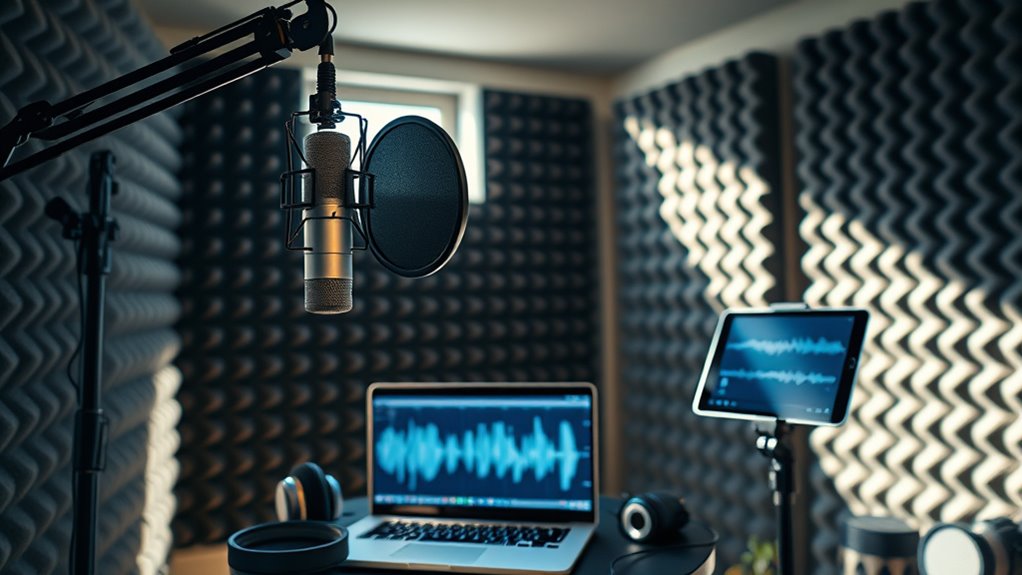
A critical aspect of successful remote recording lies in the recording studio setup. You want your voice actors to produce clean, professional audio, which means guiding them on how to create a suitable environment. Encourage them to record in a quiet, echo-free space, preferably with a good-quality microphone and headphones. If they lack a professional setup, suggest affordable options like portable sound booths or using noise-canceling microphones to improve sound quality. Providing a clear checklist for their recording environment helps minimize background noise and technical issues, guaranteeing your recordings are usable without extensive editing.
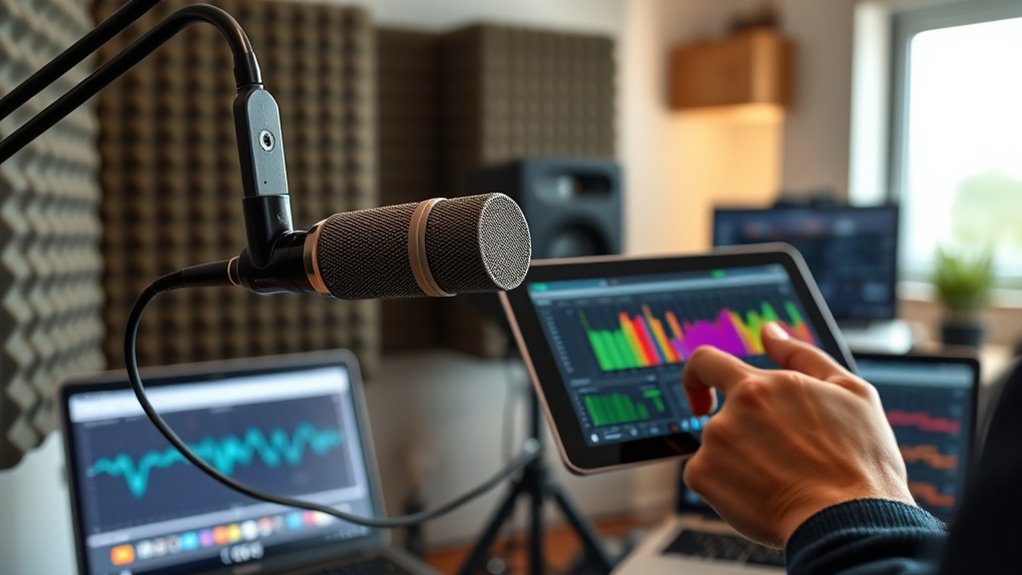
Additionally, leveraging remote recording technology streamlines the process. You can opt for cloud-based platforms that allow real-time monitoring and direct uploads, giving you control over the recordings as they happen. This approach reduces the need for multiple revisions and allows for immediate feedback. Make sure your chosen platform supports high-fidelity audio formats, so the final product maintains its clarity and richness. Incorporating professional audio standards in your guidelines further ensures consistent quality across all recordings.
In essence, successful remote recording hinges on meticulous voice actor selection and a well-implemented recording studio setup on their end. With clear instructions, reliable technology, and a keen eye for quality, you can produce professional voice recordings that match the standards of traditional studio work. This modern approach not only saves time and resources but also expands your access to talented voice actors worldwide, making your localization projects more efficient and diverse.
professional USB microphone for remote recording
As an affiliate, we earn on qualifying purchases.
As an affiliate, we earn on qualifying purchases.
Frequently Asked Questions
How Do I Ensure Consistent Audio Quality Across Remote Recordings?
To guarantee consistent audio quality across remote recordings, focus on maintaining audio consistency by using calibrated equipment for every session. Check and calibrate microphones, audio interfaces, and recording software regularly to prevent fluctuations. Provide clear guidelines to voice actors on microphone placement and environment. Additionally, run test recordings beforehand to identify issues. Consistent equipment setup and thorough preparation help achieve uniform, professional sound quality across all remote localization recordings.
What Are the Best Tools for Remote Voice-Over Recording?
Like a conductor with a baton, you’ll want premium tools for remote voice-over recording. Invest in quality studio equipment such as a good microphone, headphones, and soundproofing. Use reliable recording software like Adobe Audition, Audacity, or TwistedWave, which offer user-friendly interfaces and excellent audio control. These tools help guarantee your recordings are clear, consistent, and professional, no matter where you’re recording from.
How Can I Verify the Identity of Remote Voice Actors?
You can verify remote voice actors’ identities by requesting their professional credentials and checking their portfolios or LinkedIn profiles. Use video calls to confirm their identity and match their appearance with their provided credentials. Additionally, ask for samples of previous work or references. Implement secure onboarding procedures, such as verifying email addresses or phone numbers, to guarantee you’re working with legitimate professionals. This combination helps establish trust and authenticity.
What Are Common Technical Issues in Remote Recordings?
You might encounter technical issues like audio latency, causing delays that disrupt your workflow, or background noise, which can reduce recording quality. To minimize these problems, guarantee your internet connection is stable, use quality headphones and microphones, and record in a quiet environment. Regularly check your equipment and software settings, and consider doing test recordings beforehand to troubleshoot issues early and maintain professional audio standards.
How Do I Handle Time Zone Differences With International Talent?
Time zone scheduling can feel like chasing the sun, but with thoughtful planning, it’s manageable. You’ll want to set flexible meeting times, use scheduling tools, and communicate clearly about cultural considerations. By respecting international talent’s working hours and cultural norms, you foster trust and collaboration. Embrace the challenge as an opportunity to build stronger relationships across borders, turning logistical hurdles into a harmonious symphony of global teamwork.
soundproof portable recording booth
As an affiliate, we earn on qualifying purchases.
As an affiliate, we earn on qualifying purchases.
Conclusion
Embracing remote recording for localization projects is like opening a window to a world of voices, each adding its unique hue to your masterpiece. It’s a seamless dance of technology and talent, where distance becomes just a number. With the right tools and setup, you can craft a symphony of authentic sounds from anywhere on the planet. So, go ahead—let your project breathe with diverse voices, turning your vision into a vibrant tapestry that resonates worldwide.
noise-canceling microphone for voice recording
As an affiliate, we earn on qualifying purchases.
As an affiliate, we earn on qualifying purchases.
cloud-based audio recording platform
As an affiliate, we earn on qualifying purchases.
As an affiliate, we earn on qualifying purchases.
Fall Picks
fall essentials
As an affiliate, we earn on qualifying purchases.