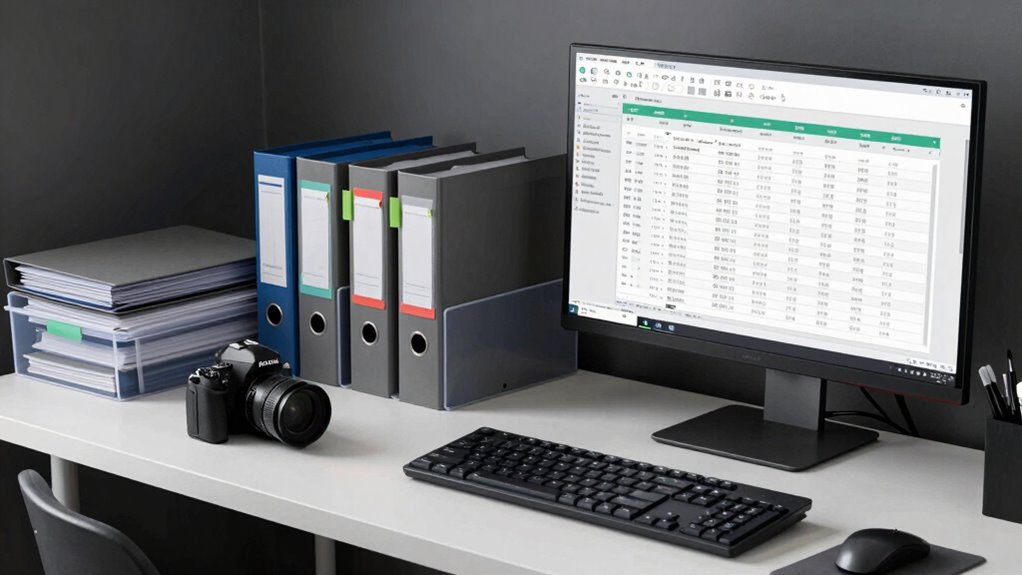
To label and archive takes like a pro, develop a clear, consistent system using meaningful abbreviations that include key info like date, project, track, and version (e.g., “2023-10-02_Vocals_Chorus_01”). Keep labels simple and intuitive. Organize folders carefully, mirroring your labeling system, and back up everything regularly. Use metadata to add details without cluttering filenames. Maintaining discipline in your workflow guarantees quick access and smooth editing—continue to explore these tips for even greater organization.
Key Takeaways
- Develop a standardized, informative labeling system including date, project, track, and version for quick identification.
- Keep labels consistent and intuitive to ensure easy recognition and efficient workflow.
- Organize files within a clear folder structure that mirrors your labeling system and includes backups.
- Use metadata and tags in your DAW to supplement filenames without cluttering them.
- Regularly review and update your labeling and archiving practices to maintain organization and efficiency.
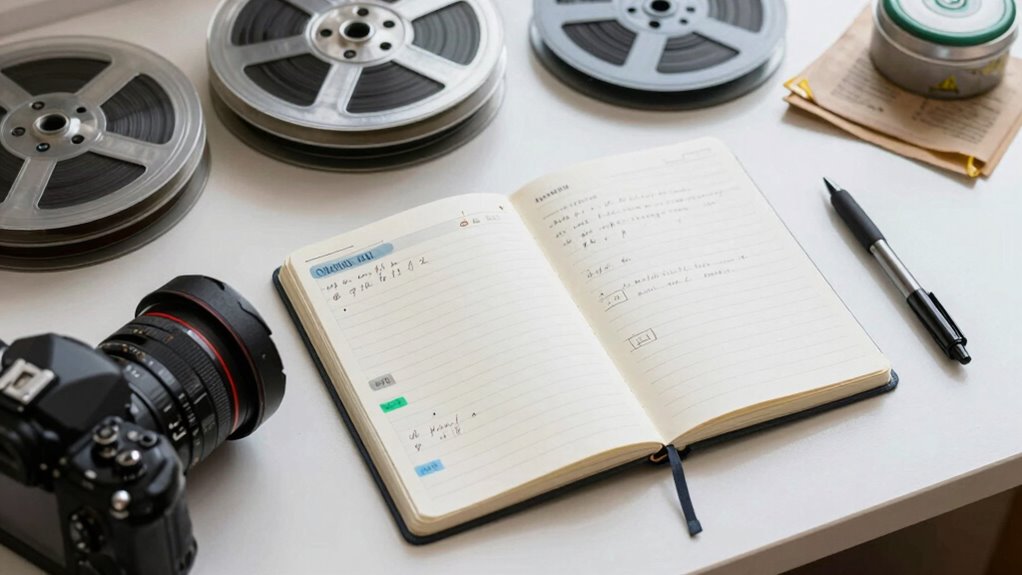
Labeling and archiving takes efficiently is essential for keeping your projects organized and accessible. When you’re in the studio, good studio organization can make or break your workflow, especially when it comes to managing multiple takes. Using effective recording techniques for labeling helps you quickly identify the best performances without wasting time digging through files. You want your system to be intuitive, consistent, and easy to follow, so you can focus more on creating and less on hunting for the right take.
Start by developing a clear labeling system that includes key information. For each take, include details like the date, song or project name, track or instrument, and a version number if applicable. For example, a label might look like “2023-10-02_Vocals_Chorus_01.” This straightforward format ensures you can instantly recognize what’s what, even months later. Incorporate abbreviations where possible to keep labels concise but still meaningful. Over time, you’ll refine your system based on what works best for your workflow, but consistency is the most important factor. When you’re consistent, you’ll be able to quickly scan through folders and identify the take you want, saving you precious studio time.
Develop a consistent, concise labeling system to quickly identify and organize takes, saving valuable studio time.
When archiving your takes, consider creating a dedicated folder structure that mirrors your labeling system. For instance, have main folders for each project, subfolders for different sessions, and further subfolders for various takes or versions. Use clear, descriptive folder names that match your labeling conventions. This setup encourages efficient studio organization by making it easy to locate and back up your files. Always maintain a backup protocol to prevent data loss, whether that’s cloud storage or external drives. Proper archiving also means deleting duplicate or subpar takes to keep your workspace uncluttered, allowing you to focus on the best performances. Additionally, utilizing file management techniques can streamline your workflow even further. Using a structured file naming system can help ensure consistency and reduce errors during editing and mixing. Having a well-structured file management system increases your productivity and reduces frustration during editing and mixing. Establishing a consistent naming convention from the start can also prevent confusion, especially when dealing with large or complex projects, and save time in the long run.
In addition, take advantage of metadata and tagging features offered by many digital audio workstations (DAWs). These tools can help you add extra layers of information without cluttering your filenames, making your search process even faster. Regularly reviewing and updating your labeling and archiving process ensures it stays aligned with your evolving projects and studio practices. When you implement disciplined recording techniques and stay committed to studio organization, managing takes becomes second nature. This disciplined approach can also help you implement standardized procedures that enhance your overall workflow and ensure consistency across projects. Ultimately, a structured approach to labeling and archiving turns chaos into order, giving you more time to create and less time spent sorting.
Music Studio 12 – Music software to edit, convert and mix audio files for Win 11, 10
Music software to edit, convert and mix audio files
As an affiliate, we earn on qualifying purchases.
As an affiliate, we earn on qualifying purchases.
Frequently Asked Questions
What Tools Are Best for Digital Archiving?
You should use digital archiving tools like Acronis, Backblaze, or cloud services like Google Drive and Dropbox, which offer excellent metadata management features. These tools help you organize files with tags and descriptions, making retrieval easier. They also optimize storage by compressing files and automating backups, ensuring your takes are both well-labeled and efficiently stored. This way, your archive remains organized, accessible, and space-efficient.
How Often Should I Back up Archived Takes?
You should back up your archived takes regularly—ideally, weekly or after significant edits—to guarantee your metadata management stays current. Frequent backups help maintain storage sustainability and prevent data loss. Automate the process if possible, so your archive remains protected without extra effort. Consistent backups keep your organized takes secure, making it easier to retrieve and manage files over time, ensuring your workflow stays smooth and reliable.
Can I Automate the Labeling Process?
Yes, you can automate the labeling process by using metadata management tools that integrate with your storage system. Set up consistent naming conventions and automate metadata tagging during file uploads or transfers. This way, your takes get labeled accurately and efficiently without manual effort. Automation saves time, reduces errors, and keeps your archive organized, making it easier to find the right takes when you need them.
What File Formats Are Most Archive-Friendly?
Think of file formats as the sturdy trunks for your precious recordings. For archiving, go with lossless formats like WAV or FLAC—they keep your audio crystal clear. Use metadata management within these formats to label your takes precisely. Cloud storage options like Google Drive or Dropbox support these formats, making retrieval easy. These formats act as reliable vaults, ensuring your work stays pristine and accessible for years to come.
How Do I Recover a Lost or Corrupted Take?
To recover a lost or corrupted take, start by checking your backup files or auto-saves. Use metadata management to locate previous versions or related takes quickly. Make sure your file naming conventions are consistent, making it easier to identify backup copies. If recovery tools don’t work, consult with a data recovery specialist. Proper labeling and organized archives help prevent future issues, streamlining recovery and minimizing downtime.
REXBETI 25Pcs Metal File Set, Premium Grade T12 Drop Forged Alloy Steel, Flat/Triangle/Half-round/Round Large File and 12pcs Needle Files with Carry Case, 6pcs Sandpaper, Brush, A Pair Working Gloves
all the 16 pieces file are made by T12 Drop Forged Alloy Steel, the long lasting teeth were…
As an affiliate, we earn on qualifying purchases.
As an affiliate, we earn on qualifying purchases.
Conclusion
Once you master labeling and archiving takes, it’s like organizing a library—you’ll find what you need in seconds, not minutes. I once spent hours digging through cluttered folders, missing a perfect shot because of chaos. Now, with a clear system, I’ve saved hours and never lose a gem. Think of your archive as your creative vault—label it well, and your best work is always just a search away.

Digital Audio Workstation USB for Windows & macOS – Complete Music Production Suite with LMMS – 32/64-Bit Bootable Software with Setup Guide
Complete digital audio workstation software for music production, beat making, mixing, and sequencing.
As an affiliate, we earn on qualifying purchases.
As an affiliate, we earn on qualifying purchases.

HOW TO CONVERT AND STORE VHS, DVDS, AND FILM REELS INTO DIGITAL FILES: Step-By-Step Guide to Preserve Your Memories
As an affiliate, we earn on qualifying purchases.
As an affiliate, we earn on qualifying purchases.