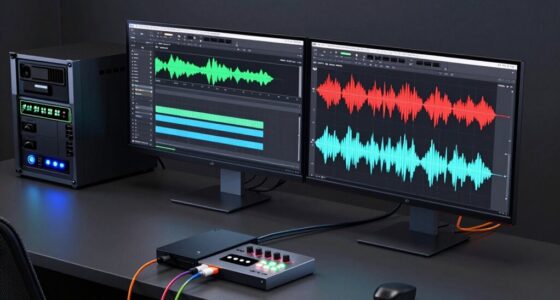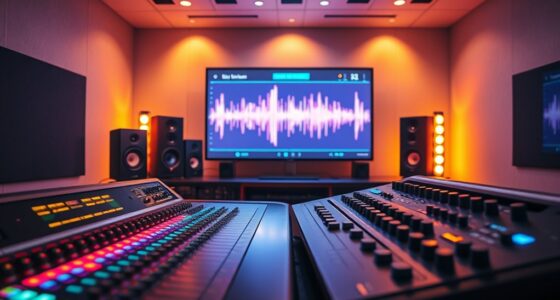
To shop smart for a dual-mic podcast setup, focus on choosing quality microphones suited to your environment—condenser for clarity or dynamic for durability. Pick an affordable audio interface with clean preamps and low latency, and select closed-back headphones for accurate monitoring. Enhance your space with DIY acoustic treatment and accessories like pop filters and sturdy stands. Prioritizing essential gear and researching products guarantees professional sound without overspending. Keep exploring to discover how to optimize your entire setup effectively.
Key Takeaways
- Prioritize budget-friendly microphones that balance sound quality and durability, such as dynamic or condenser mics based on environment.
- Choose a basic, reliable audio interface with clean preamps and low latency for clear dual-mic recording.
- Invest in closed-back headphones for accurate monitoring without sound bleed, ensuring professional audio oversight.
- Use affordable acoustic treatments and accessories like pop filters and mic stands to enhance sound quality.
- Research and review products to maximize value, focusing on essential features that improve overall podcast sound.
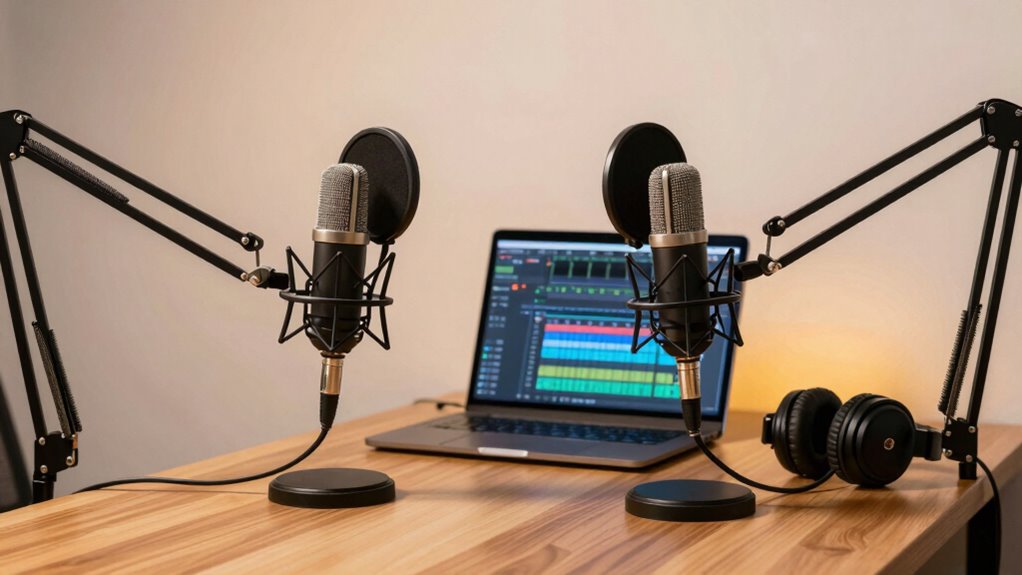
Starting a dual-mic podcast can seem overwhelming, but with the right approach, you can make smart, cost-effective choices that elevate your sound quality. When shopping for your setup, it’s essential to prioritize audio quality, especially since clear, professional sound makes a significant difference in listener engagement. You don’t need to break the bank to achieve this; instead, focus on options that deliver the best sound within your budget considerations.
Starting a dual-mic podcast is manageable with smart, budget-friendly choices that enhance sound quality and listener engagement.
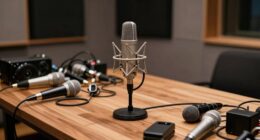
First, consider your microphones carefully. For a dual-mic setup, you want mics that offer good sensitivity and clarity without costing a fortune. Condenser microphones are popular for podcasting because they capture a broad frequency range and deliver detailed audio, but they can be more sensitive to background noise. Dynamic microphones, on the other hand, tend to be more durable, less sensitive to ambient noise, and often more budget-friendly. If your recording environment isn’t perfectly soundproofed, a dynamic mic might be a smarter choice, helping you maintain better audio quality without investing heavily in studio space.
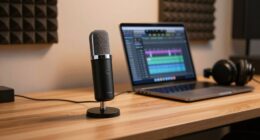
Next, think about your audio interface or mixer. This device connects your microphones to your computer and influences sound fidelity. A basic audio interface with two inputs can suffice for a dual-mic setup and is usually affordable. Look for one that offers clean preamps and low latency. Cheaper audio interfaces sometimes compromise on sound clarity, so it’s wise to read reviews and choose a model that balances performance with cost.
Headphones are also crucial for monitoring your recordings. Closed-back headphones provide accurate sound without bleed, ensuring you catch issues early. You don’t need high-end audiophile gear; mid-range headphones with good reviews will do the trick and keep your budget in check. Understanding the importance of proper monitoring can help you catch issues before publishing.
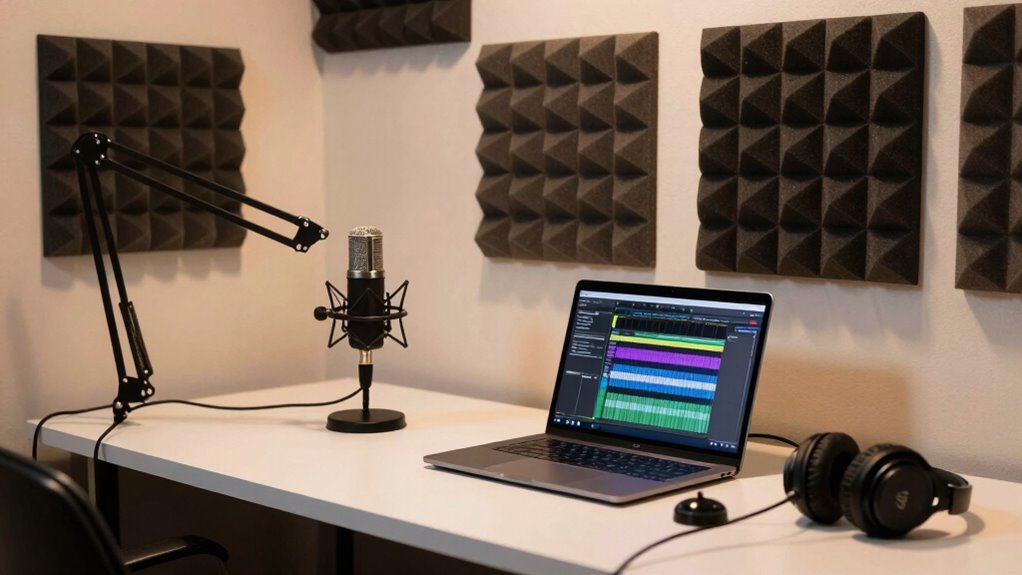
Finally, don’t forget about accessories like pop filters, mic stands, and acoustic treatment. These can improve your audio quality by reducing plosives and echo, but you can find affordable options that don’t sacrifice performance. Consider DIY solutions for acoustic panels or foam to save money while still enhancing sound clarity.
In the end, your goal is to find a setup that offers the best possible audio quality within your budget considerations. You don’t have to buy the most expensive gear to produce a professional-sounding podcast. Instead, focus on smart choices—research, read reviews, and prioritize essential features—so you’re making investments that truly improve your sound without overspending. Being aware of audio interface features and how they impact sound quality is crucial for making informed decisions. This way, you’ll be well on your way to creating engaging content with clarity and professionalism.

MAONO PD200W Hybrid Wireless Podcast Equipment Bundle for 2, XLR USB Dynamic Microphone Kit with 2 Desktop Stand, Software, Noise Cancellation, for Co-hosted podcast, Vocal Recording, Content Creation
Cut the Cables, Free to Pod – Dynamic microphone MAONO PD200W hybrid enjoy 3 ways for broadcast audio:…
As an affiliate, we earn on qualifying purchases.
As an affiliate, we earn on qualifying purchases.
Frequently Asked Questions
How Do I Ensure My Microphones Won’t Pick up Background Noise?
To prevent background noise, focus on soundproofing techniques like using foam panels or diffusers to minimize echo. Proper microphone placement is key; position your mics close to your mouths and away from noise sources. Use directional microphones to focus on your voices and reduce ambient sounds. Regularly check your setup and adjust placements, ensuring your environment stays quiet and your audio remains clear, even in noisy settings.
What Are the Best Budget Options for Dual-Mic Setups?
Worried about breaking the bank? You can find budget accessories like USB condenser microphones or dynamic mics, which are great for dual setups. Look for affordable microphone types that suit your environment, such as cardioid patterns that reduce background noise. Pair these with inexpensive mic stands and pop filters to improve audio quality without overspending. These options give you a solid dual-mic podcast setup on a budget, ensuring clear sound without sacrificing quality.
How Do I Connect Multiple Microphones to One Audio Interface?
To connect multiple microphones to one audio interface, use an audio splitter or a mixer before plugging into the interface. Proper microphone placement guarantees clear sound, and considering room acoustics helps reduce echo and background noise. You might also need individual gain controls for each mic, so adjust them for balanced audio. This setup keeps your podcast sounding professional while simplifying your gear.
What Software Is Recommended for Recording and Editing Dual-Mic Podcasts?
For recording and editing dual-mic podcasts, you should try Audacity or Adobe Audition. Both offer excellent audio quality and user-friendly interfaces. Audacity is free, making it a great option for beginners, while Adobe Audition provides advanced features for professional editing. Remember, good recording tips include using a pop filter and proper mic placement. These tools and tips help guarantee clear, high-quality sound for your podcast.
How Can I Test Microphone Compatibility Before Purchasing?
Did you know that 75% of audio issues come from incorrect microphone placement? To test microphone compatibility before buying, try using a simple audio interface or your computer’s mic test feature. Focus on proper microphone placement and soundproofing techniques to optimize sound quality. This way, you can guarantee the mic fits your setup, capturing clear sound without investing in equipment that doesn’t meet your needs.

Focusrite Scarlett Solo 3rd Gen USB Audio Interface for Guitarists, Vocalists, Podcasters or Producers to record and playback studio quality sound
Pro performance with great pre-amps – Achieve a brighter recording thanks to the high performing mic pre-amps of…
As an affiliate, we earn on qualifying purchases.
As an affiliate, we earn on qualifying purchases.
Conclusion
Now that you know how to choose the perfect dual-mic podcast setup, you’re ready to conquer the world of audio. With the right gear, your podcast will sound so professional, listeners will think you’re a broadcasting legend! Don’t settle for less—invest in quality, and watch your content soar to heights as high as the stars. Get out there and make your podcast the next big thing; the mic is in your hands!

MAONO MH601 Professional Studio Monitor Headphones, Wired Closed Back Over Ear DJ Headset with 50mm Drivers and 1/4 inch to 3.5mm Jack for Guitar Amp Recording Mixing Piano Music Podcast Streaming
HI-FI SOUND: UPGRADED DJ studio headphones MAONO MH601 is built-in 50 mm large aperture driver, for immersive sound,…
As an affiliate, we earn on qualifying purchases.
As an affiliate, we earn on qualifying purchases.

SoundAssured Acoustical Fabric – Acoustically Transparent Fabric for Making Acoustic Panels – DIY Sound Panel Acoustic Fabric (Black)
DIY acoustic panels made easy – Create professional-quality acoustic panels, bass traps, or acoustic walls for home studios,…
As an affiliate, we earn on qualifying purchases.
As an affiliate, we earn on qualifying purchases.