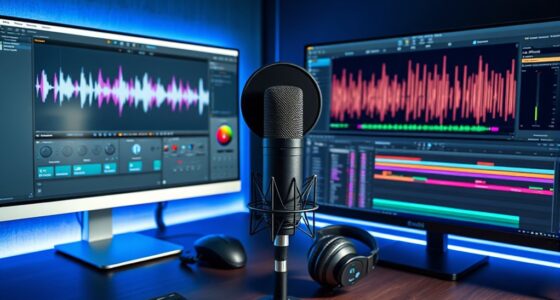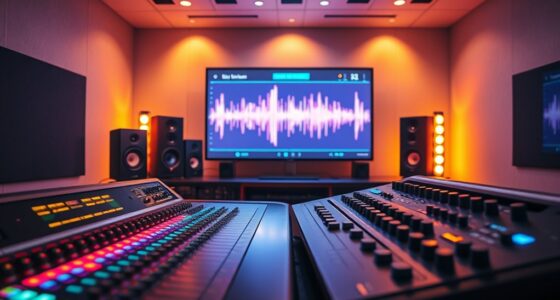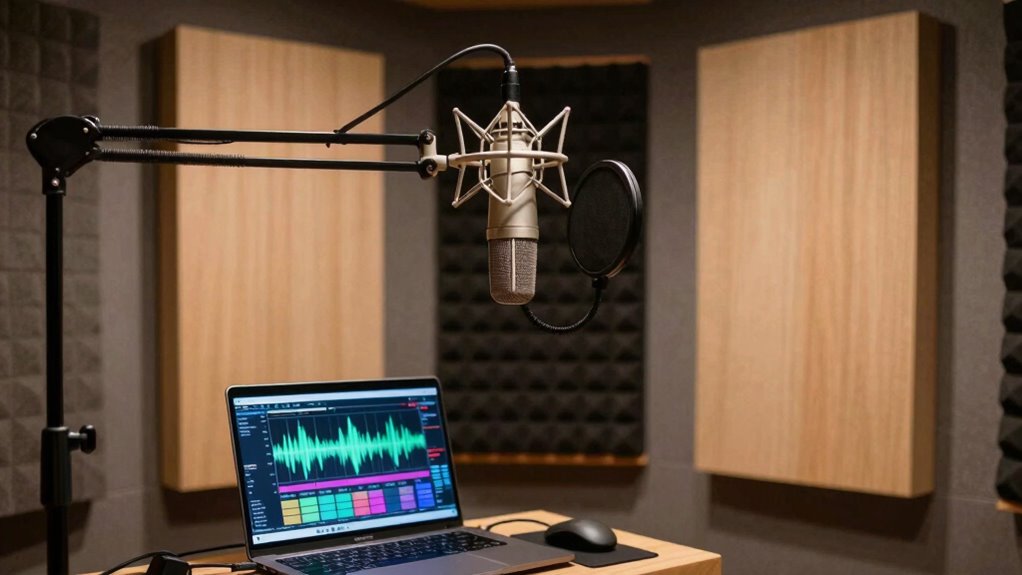
Yes, room correction software can help your voice booth by compensating for acoustic flaws and resonances. It analyzes sound through test tones or recordings, then applies EQ adjustments to smooth out uneven frequency response. This results in clearer, more natural voice recordings and reduces the need for heavy post-processing. While it works best alongside physical acoustic treatments, it can make a noticeable difference on its own. Keep exploring to discover how you can optimize your space further.
Key Takeaways
- Yes, it compensates for acoustic imperfections, improving voice clarity and naturalness in a booth.
- It analyzes room acoustics and applies EQ adjustments to address frequency issues.
- Complements physical acoustic treatments, enhancing overall sound quality without major modifications.
- Offers real-time fine-tuning, ensuring consistent, high-quality recordings regardless of room imperfections.
- Ideal for small or untreated booths where physical acoustic treatment alone may be insufficient.

Creating a professional-sounding voice booth starts with ensuring your recordings are clear and accurate, and room correction software plays an essential role in achieving that. When you’re aiming for pristine audio quality, the environment where you record matters just as much as your microphone or voice. Acoustic treatment and soundproofing techniques help shape the space so that unwanted noise and echoes are minimized. But even with these measures, some acoustic imperfections remain, which is where room correction software can make a significant difference.
Room correction software enhances clarity by compensating for remaining acoustic imperfections, complementing your soundproofing and treatment efforts.
This type of software analyzes the acoustic properties of your booth by playing test tones or using your existing recordings. It then identifies issues like frequency peaks, dips, or resonances that can color your voice or introduce unwanted noise. With this information, the software applies EQ adjustments, compensating for irregularities in your space. Think of it as a virtual sound engineer that fine-tunes your audio in real-time, ensuring your voice sounds natural and consistent, regardless of the room’s imperfections.
While acoustic treatment and soundproofing form the foundation of a good recording environment, they don’t eliminate all acoustic flaws. Acoustic panels, bass traps, and soundproofing barriers can drastically reduce echo and outside noise, but some residual frequencies or resonances often persist. Room correction software works in tandem with these physical measures to further refine your sound. It’s especially valuable if you can’t afford or don’t want to overhaul your entire room, or if your space has unavoidable reflective surfaces that create unwanted reverberations.
You might wonder how much difference room correction software can really make. In many cases, it’s substantial. It can smooth out frequency response, making your voice sound more balanced and natural. This not only improves clarity but also reduces the need for heavy post-processing. Plus, the software’s ability to adapt and make adjustments on the fly means your recordings stay consistent, whether you’re recording in a dedicated booth or a makeshift setup.
In the end, room correction software isn’t a replacement for good acoustic treatment or soundproofing, but it’s a powerful complement. It helps you get the most out of your environment, compensating for imperfections and ensuring your voice is captured with clarity and precision. Combining acoustic treatment with software correction can elevate your recordings even further, creating a professional-quality voice booth that enhances your overall sound quality.

Portable Vocal Booth for Recording, Portable Recording Booth for Home Studio, Acoustic Treatment to Reduce Echo, Sound Isolation Booth, 5-Min Assembly w/Travel Bag, Lights, Phone Holder (2026 Update)
🎙️PORTABLE VOCAL BOOTH FOR RECORDING CLEANER TAKES – Portable vocal booth for recording that turns loud rooms into…
As an affiliate, we earn on qualifying purchases.
As an affiliate, we earn on qualifying purchases.
Frequently Asked Questions
Can Room Correction Software Improve Sound Quality for All Voice Types?
Yes, room correction software can improve sound quality across various voice types by adjusting for room acoustics and voice frequency responses. It works alongside acoustic treatment to optimize clarity and tonal balance. You’ll notice better consistency, fewer resonances, and a more natural sound, regardless of voice pitch or style. This combination helps create a professional-sounding environment, making your recordings clearer and more engaging for your audience.
What Is the Cost Range for Effective Room Correction Software?
You’ll find room correction software costs range from $100 to $1,000, depending on features and sophistication. For effective room calibration, expect to invest accordingly—think of it as a small price for turning your voice booth into a professional studio. Do a quick cost analysis, and you’ll see that sacrificing sound quality isn’t worth the budget sting. Remember, better sound isn’t just a purchase, it’s an investment in your voice.
How Difficult Is It to Set up Room Correction Software Myself?
Setting up room correction software yourself is moderately challenging and depends on your technical expertise. With a DIY setup, you’ll need to follow instructions carefully, perform measurements, and understand basic audio principles. If you’re comfortable with technology and willing to learn, you can manage the process. However, if you’re less experienced, seeking guidance or professional help might save time and guarantee the best results for your voice booth.
Does Room Correction Software Work With All Microphone Types?
You might be surprised, but room correction software doesn’t work perfectly with all microphone types. It depends on the microphone compatibility and software limitations. Some microphones, especially dynamic or less common models, may not be fully supported, which can limit the software’s effectiveness. Always check the software specifications and microphone compatibility before investing. If your microphone isn’t fully supported, you might not get the best results or might need additional equipment.
Can Room Correction Software Eliminate All Acoustic Issues?
Room correction software can’t eliminate all acoustic issues, especially with challenges like room size and existing acoustic treatment. It can markedly improve sound quality by addressing some frequency imbalances and echoes, but it won’t fix fundamental problems caused by a large or poorly treated space. For the best results, combine software with proper acoustic treatment and consider adjusting room size or layout to minimize issues and optimize your voice booth environment.

Music Software Bundle for Recording, Editing, Beat Making & Production – DAW, VST Audio Plugins, Sounds for Mac & Windows PC
No Demos, No Subscriptions, it's All Yours for Life. Music Creator has all the tools you need to…
As an affiliate, we earn on qualifying purchases.
As an affiliate, we earn on qualifying purchases.
Conclusion
In short, room correction software markedly sharpens sound, smoothing out spaces and suppressing sibilance. With a little effort, you can easily elevate your voice booth’s acoustics, achieving clearer, crisper recordings. Don’t delay—dive into the details, discover the difference, and drive your recordings to new depths of distinction. Ultimately, this simple software solution transforms your space, turning your voice booth into a veritable vault of vocal clarity.
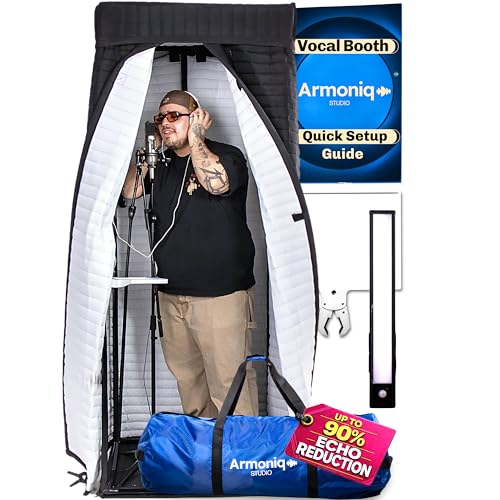
Armoniq Portable Vocal Booth | Clean, Dry Vocals in Any Space, Echo-Free Recording Booth for Home Studio | Sound Booth for Recording Crisp Vocals | Singing, Voice Over, Podcast | 10-min assembly
CLEAN, CRISP, DRY VOCALS — An echo-control “reverb killer” studio booth for clear recordings. Hear the difference instantly:…
As an affiliate, we earn on qualifying purchases.
As an affiliate, we earn on qualifying purchases.

Focusound 52 Pack Acoustic Foam Panels 1" x 12" x 12" Sound Proof Foam Panles Soundproofing Noise Cancelling Wedge Panels for Home Office Recoding Studio with 300PCS Double-Side Adhesive
Soundproofing – Acoustic foam panels triangular grooves structure for better noise absorption, helps to reduce and absorb unwanted…
As an affiliate, we earn on qualifying purchases.
As an affiliate, we earn on qualifying purchases.